Bodno A10From $995
 Bodno A20From $1,595
 Bodno A30From $1,995
 Bodno A40 ProFrom $2,995
 vs.
vs.



 CR80 30 mil PVC cardsFrom $3.99
 Adhesive-backed PVC cardsFrom $9.99
 Proximity cards (NoMativ)From $14.99
 NTAG NFC cards, 100 packFrom $59.00
 Buy the softwareDesign and print ID cards on PC and Mac







Seaory
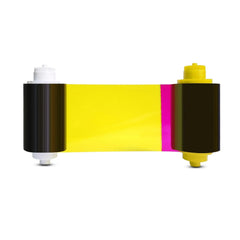
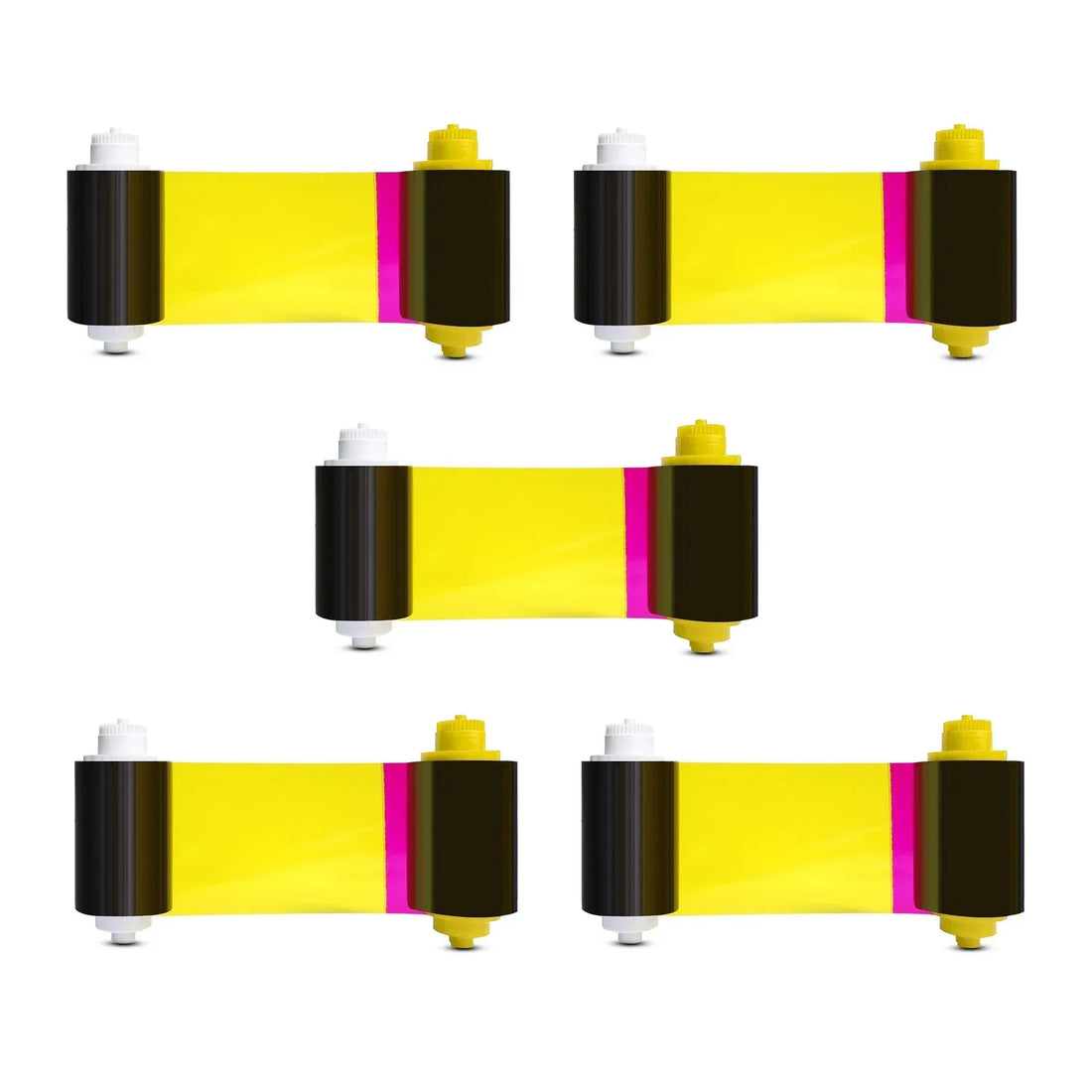
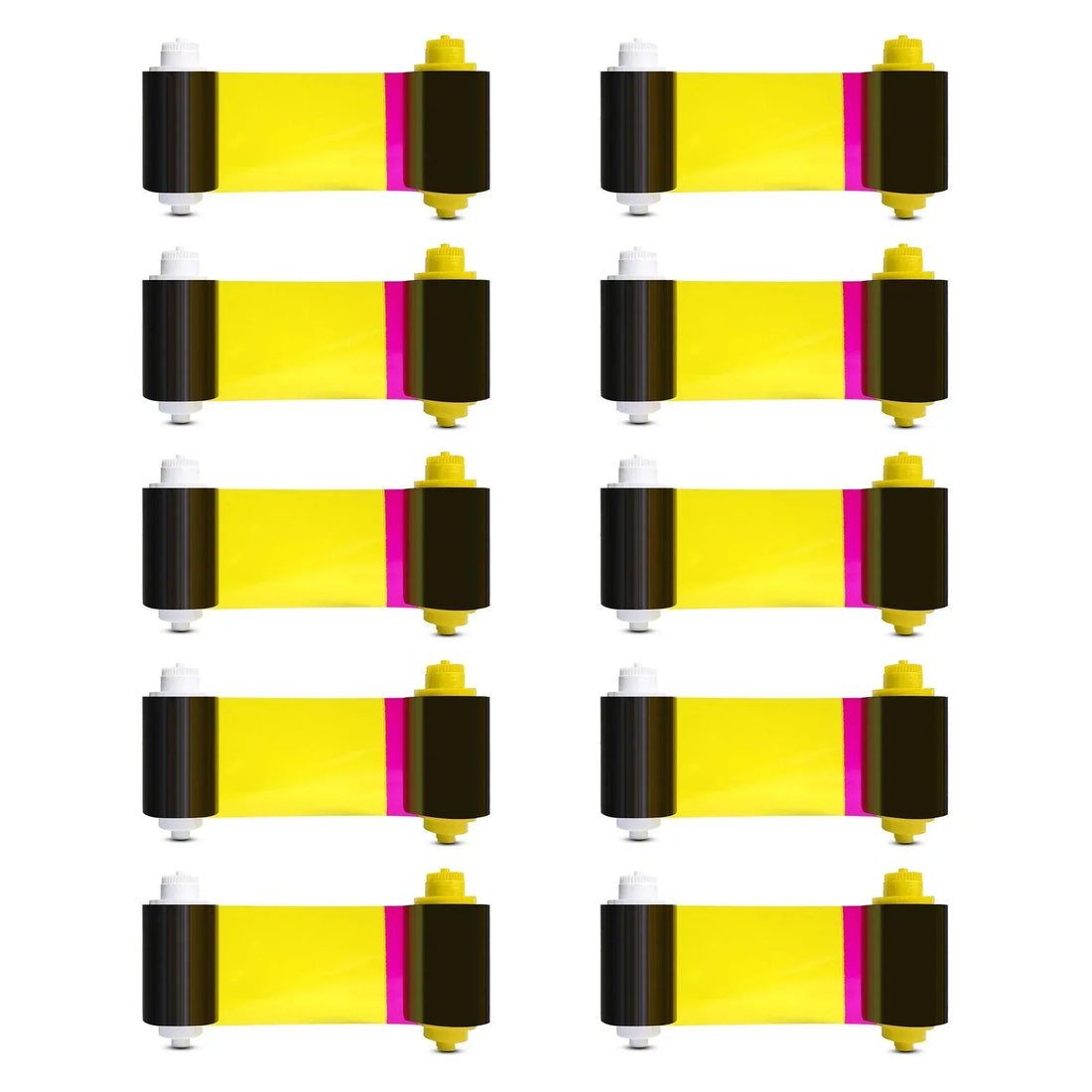
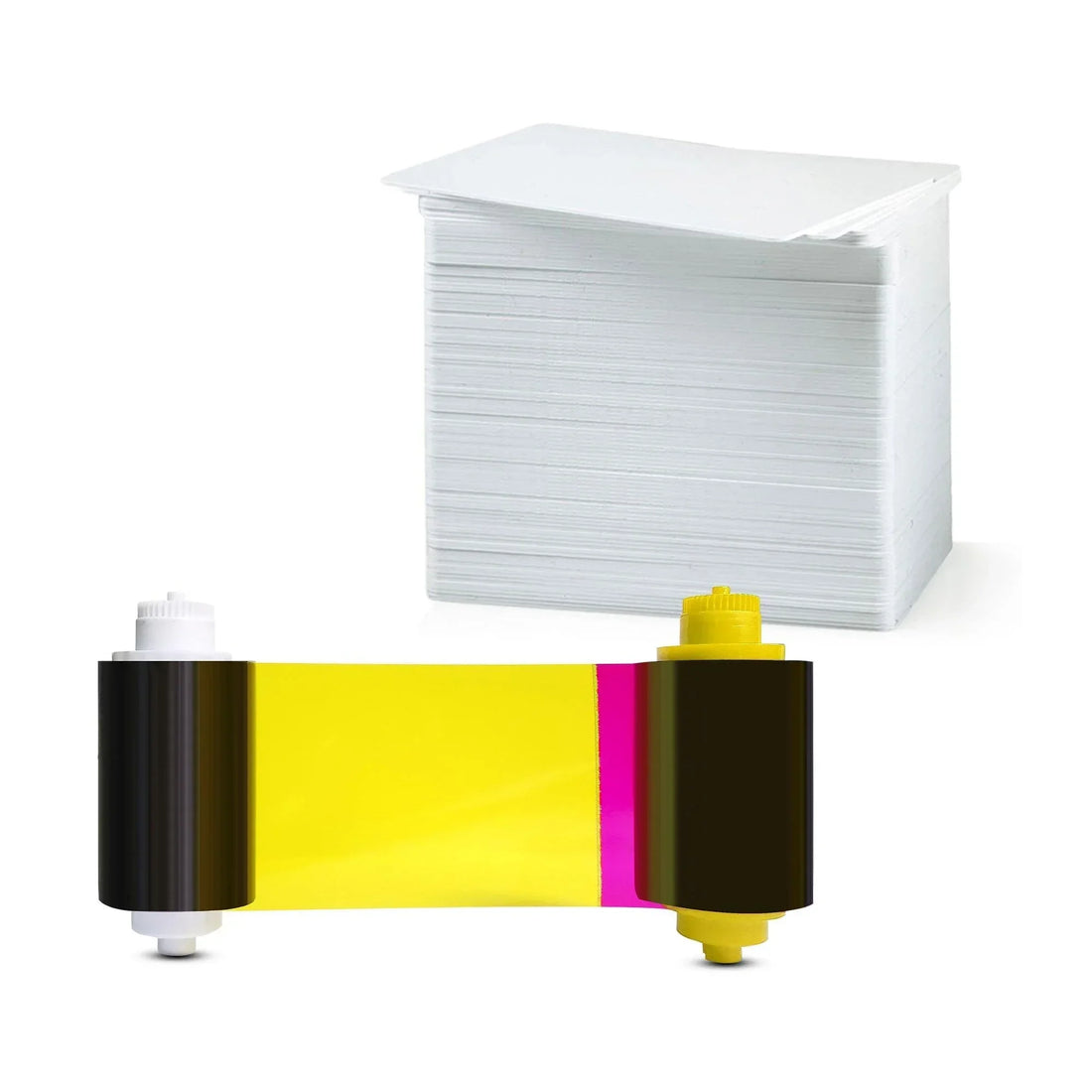
Seaory 11011 Color Ribbon for Seaory S25 Printer
YMCKO
✓ Fits Seaory S25 · See compatible printers
Compatible with
Don’t see your printer? Find your printer’s supplies or call (732) 987-5300.
Customers also buy
Specifications
| Brand | Seaory |
|---|---|
| Part number | 11011 |
| Panels | YMCKO |
| Fits | Seaory S25 |
About this product
Seaory Color Ribbon - YMCKO - 100 prints for Seaory S25 Printers
Common questions
What does YMCKO mean on this ribbon?
Y, M and C (yellow, magenta and cyan) print the full-color picture. K prints sharp black text and barcodes. O lays a clear overlay over the card to protect it. Together they print full color on one side of the card.
Which printers does the Seaory 11011 Color Ribbon fit?
It fits the Seaory S25. Not sure which printer you have? Email sales@bodno.com and we’ll confirm it before you order.
How many cards does the 11011 print?
100 single-sided cards per ribbon. The S25 prints on one side.
Can I use the 11011 in an S26 or S28?
No. The 11011 fits the Seaory S25 only. The S26 and S28 use the 17031 ribbon. The two are not interchangeable, and the wrong one causes ribbon errors.
I get Error 48 after putting in a new ribbon. What do I do?
Error 48 means the printer cannot read the ribbon’s color panels, and it is almost never a broken printer. Reseat the ribbon so it is snug but not tight, check the gear on the end of the spool for missing teeth, then calibrate the ribbon LED with the ribbon out and the cover closed: Printing preferences → Tool → Calibrate Ribbon LED. Step by step: Error 48 fix for the S25, S26 and S28.
Why does my ribbon keep breaking?
Where it tears tells you why. If the printer’s test chart tears it too, the print is running past the card edge: reset Position Calibrate to factory default, then set L to +3. If only your own design tears it, turn on Rotate 180° and keep solid dark color off the card edge. A spool gear with missing teeth (replace it with a 16300 ribbon gear) and coated inkjet cards also tear ribbons. Full guide: Ribbon keeps breaking.
Why do black backgrounds print with colored lines?
Large solid dark areas are the hardest thing for a direct-to-card printer. Lower the ribbon supply tension by 3 (Printing preferences → Tool → Ribbon supply tension), try Rotate 180°, and lighten the background slightly if you can. More fixes: Streaks, faded prints or wrong colors.
Can I run a card through the printer twice?
No. A card that has been through the printer has a clear overlay on it, even if it looks blank, and the ribbon will stick to it and tear.
Should I clean the printer when I change the ribbon?
Yes. Run a cleaning card and wipe the printhead at every ribbon change, and sooner if specks or lines show up. The CC001 cleaning kit has the card, swab and cloth. How to: clean the S25, S26 and S28.
How long do color ribbons last if unopened?
Unopened ribbons can last 18–24 months when stored properly. Keep them sealed in original packaging, in a cool, dry place away from sunlight or humidity to preserve print quality.