


 Bodno A10From $995
 Bodno A20From $1,595
 Bodno A30From $1,995
 Bodno A40 ProFrom $2,995
 vs.
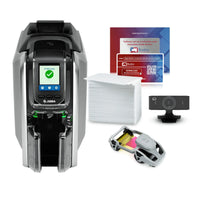

 CR80 30 mil PVC cardsFrom $3.99
 Adhesive-backed PVC cardsFrom $9.99
 Proximity cards (NoMativ)From $369.00
 NTAG NFC cards, 100 packFrom $59.00
 Buy the softwareDesign and print ID cards on PC and Mac
For offices that run on Mac
Mac Compatible ID Card Printers
Design and print badges right from your Mac.
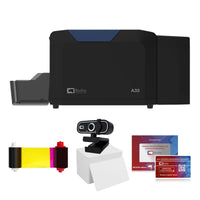
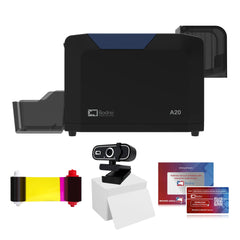
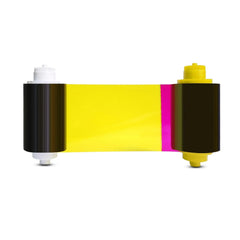
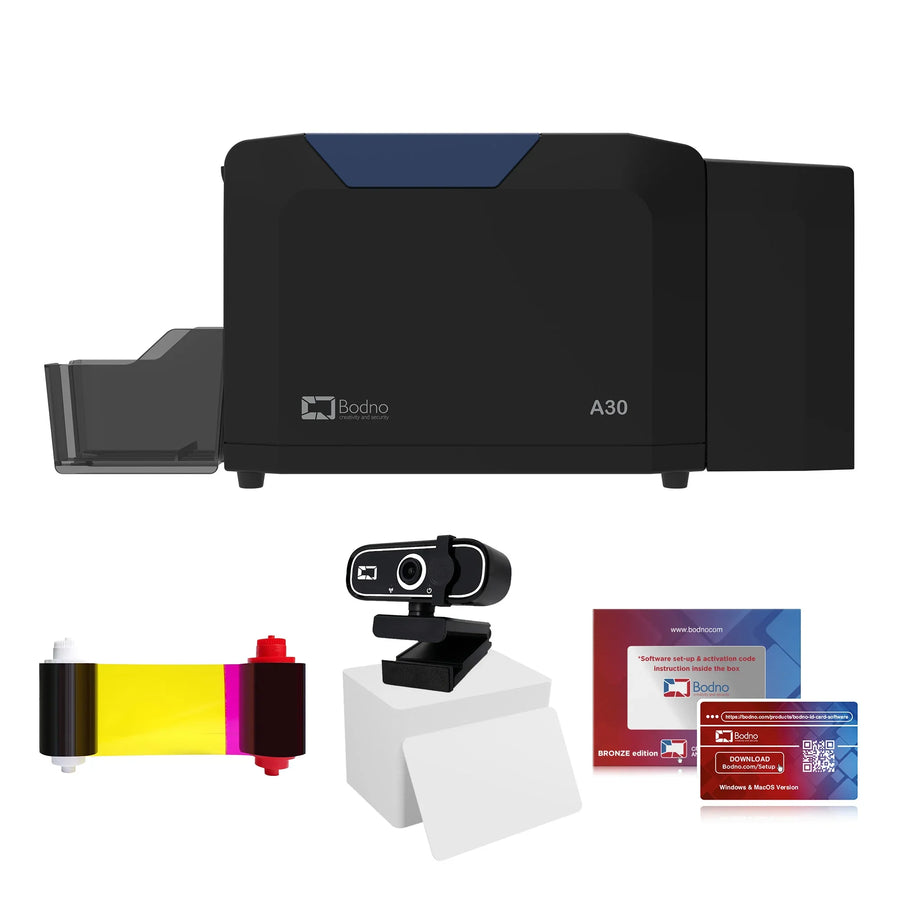 Works on macOSBodno A30 $1,995Complete kit with software
Every printer here works with macOS and ships with Bodno ID Card Software for Mac, so there is no Boot Camp, no Parallels, and no borrowing a Windows laptop just to print a card.
Our picks
The Mac ID card printers we recommend
Lowest cost

Bodno A10
Single-sided badges from your Mac, with the software included for life.
- Prints
- Single-sided
- Software
- Lifetime license
- Per card
- $0.73
- Coverage
- 3 years
Both sides
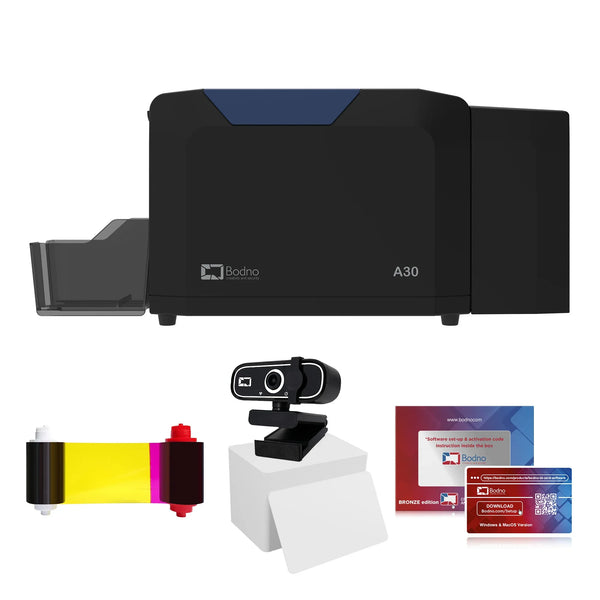
Bodno A30
Prints both sides in one pass. Photo on the front, details on the back.
- Prints
- Dual-sided
- Software
- Lifetime license
- Per card
- $0.38
- Coverage
- 3 years
Sharpest photos
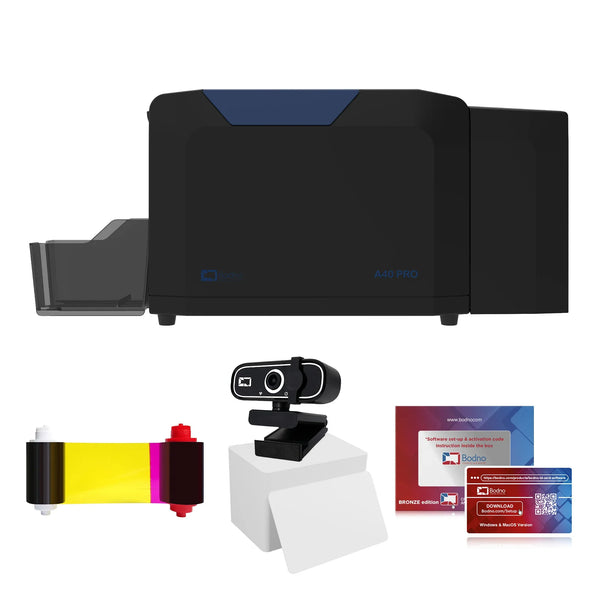
Bodno A40 Pro
For badges where photo quality matters most.
- Prints
- Dual-sided
- Software
- Lifetime license
- Coverage
- 3 years
Compare them all
All 12 Mac compatible ID card printers
Lowest price first, with the cost per card, software license and coverage for each.
 Seaory S25Single-sided · Lifetime software · $0.55 a card
Lifetime
$0.55
2 years
$899
 Bodno A10Single-sided · Lifetime software · $0.73 a card
Lifetime
$0.73
3 years
$995
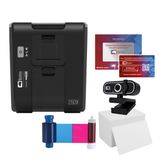 Magicard 250XSingle-sided · Lifetime software · $0.34 a card
Lifetime
$0.34
3 years
$1,349
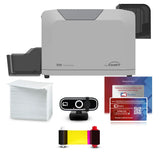 Seaory S26Single-sided · Lifetime software · $0.33 a card
Lifetime
$0.33
2 years
$1,449
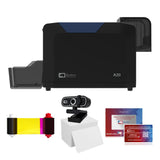 Bodno A20Single-sided · Lifetime software · $0.33 a card
Lifetime
$0.33
3 years
$1,595
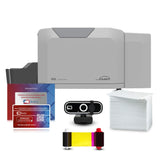 Seaory S28Dual-sided · Lifetime software · $0.33 a card
Lifetime
$0.33
2 years
$1,949
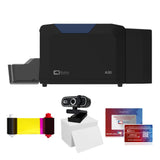 Bodno A30Dual-sided · Lifetime software · $0.38 a card
Lifetime
$0.38
3 years
$1,995
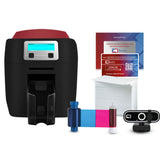 Magicard 400XSingle or dual-sided · Lifetime software · $0.34 a card
Lifetime
$0.34
4 years
$1,999
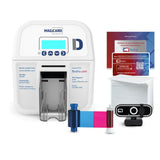 Magicard DSingle or dual-sided · Lifetime software · $0.38 a card
Lifetime
$0.38
3 years
$2,595
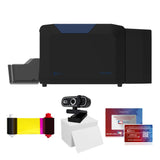 Bodno A40 ProDual-sided · Lifetime software
Lifetime
—
3 years
$2,995
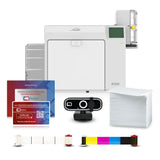 Seaory R330Retransfer · Lifetime software · $0.29 a card
Lifetime
$0.29
3 years
$3,999
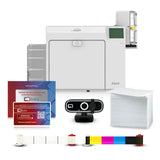 Seaory R660Retransfer · Lifetime software · $0.29 a card
Lifetime
$0.29
3 years
$4,999
Cost per card is for one full-color side, ribbon plus a blank card. Lifetime software never needs renewing; a 3-year license can be renewed.
What works on a Mac
Everything you need to make badges
- Design badges from ready-made templates or from scratch
- Print one or both sides on any printer on this page
- Photos, logos, barcodes and QR codes on the card
Setup
Printing from your Mac in three steps
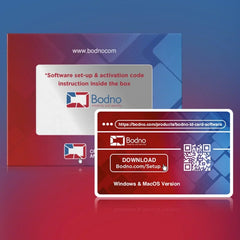
- Download the Mac driver and Bodno ID Card Software from our download page.
- Activate the software with the code from your order email.
- Connect the printer and print a test card. Stuck? Book a free onboarding session.
Sound familiar?
Why Mac offices struggle with ID cards
And what changes the day your own ID printer arrives.
Most ID card software is Windows-only
Many card printer packages assume a PC, so Mac offices end up running Windows just to print a badge.
Bodno software runs on your Mac
Design and print badges in the Mac version of Bodno ID Card Software. No Boot Camp, no Parallels.
Every printer on this page includes it.Hunting for the right driver
Card printer drivers for macOS are hard to find on manufacturer sites.
Drivers and software in one place
Download the Mac driver and the Bodno software from one page, and our team helps you install it.
Mac and Windows downloadsA PC just for printing badges
Buying and maintaining a Windows computer for one task is money and IT time you don't need to spend.
Print from the Mac you have
Plug the printer into your Mac and print. The Bodno A-Series includes the software on a lifetime license.
Nothing extra to buy, and nothing to renew.Buying from Bodno
Order the way your business already does
Buy online in a few minutes, or send a purchase order. Either way, it ships fast.
Pay your way
Credit card or PayPal at checkout, or a purchase order, check or ACH. Net 30 terms are available for approved accounts.
Payment optionsQuote first
Need approval before you buy? Email us what you need and we send a formal quote with the printer, software edition and supplies.
Email for a quoteTax-exempt
Send your exemption certificate to Tax@Bodno.com once, before your first order. After that every order checks out tax-free.
How tax-exempt worksShipping and returns
Orders before 1 PM ET ship the same day, and orders of $100 or more ship free. 30-day returns, and we pay return shipping.
Return policyQuestions
Questions about ID card printers for Mac
Do these ID card printers work on a Mac?
Yes. Every printer on this page works with macOS and includes Bodno ID Card Software for Mac.
Do I need Boot Camp, Parallels or a Windows computer?
No. You design and print badges directly on your Mac.
Where do I download the Mac driver and software?
On our download page, which has the Mac and Windows versions.
Which Mac ID card printer should I buy?
The Bodno A10 ($995) for single-sided badges, or the Bodno A30 ($1,995) to print both sides in one pass. Both include the software on a lifetime license and 3 years of coverage.
Will someone help me set it up on my Mac?
Yes. Book a free onboarding session and our team walks you through the driver, the software and your first card. Book onboarding.
Still deciding? Call (732) 987-5300 or email sales@bodno.com.
