


 Bodno A10From $995
 Bodno A20From $1,595
 Bodno A30From $1,995
 Bodno A40 ProFrom $2,995
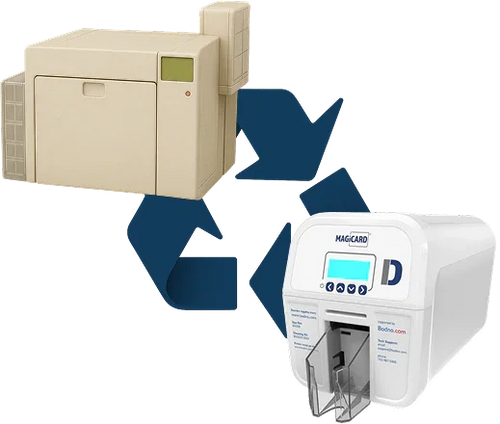
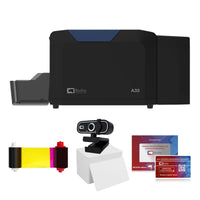 vs.
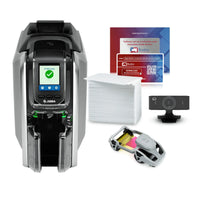

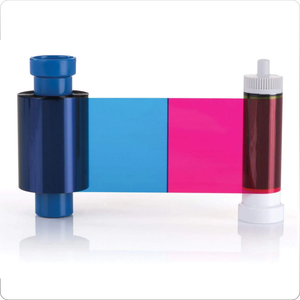
 CR80 30 mil PVC cardsFrom $3.99
 Adhesive-backed PVC cardsFrom $9.99
 Proximity cards (NoMativ)From $369.00
 NTAG NFC cards, 100 packFrom $59.00
 Buy the softwareDesign and print ID cards on PC and Mac
Find My Activation Code
Enter anything you remember. We'll find your code and email it to the address on file.
Need the software? Download for Windows · Download for Mac · Printer drivers →
Names and companies can't be searched. Use your email or printer serial. An Amazon or Bodno order number works too.
Asked to verify, or none of these will find it? Send a verification request →
We just emailed you your code
We just sent your activation code to:
- Open Bodno Software.
- Click BOD (top-left), then Bodno License.
- Open the Activation Code tab, paste the code and click Activate.
- Restart the software.
Which one is yours?
We couldn't find your code
Try again with different details, like the order number, the printer's serial number, or the name of whoever set it up.
Where codes come from: registering a printer, or buying Bodno Software. Bought the software? Try the email or order number from that purchase.
Never registered your printer? Your code is created when you register. Bought on Amazon? Start here to register and get your code.
Have a Bodno USB key? It doesn't use a code. Its license number starts with CC: plug it in, open Bodno and click BOD › Bodno License › USB Dongle. Check it on License Status →
Register Your Printer- In the software: BOD (top-left), then Bodno License, then the Activation Code tab.
- Search your email for Bodno activation or messages from support@bodno.com.
- Ask whoever set up the printer. The code may be in their inbox.
Have the code already? Check its status. Setting up on a new computer? Go to printer setup.
Get a Bodno activation code
Choose your edition and how long you want it. Works on the printer and card designs you already have.
- Code by email in about 15 minutes
- Nothing to plug in
- Windows and Mac
Bronze Edition · 3 years
Need a person? Our team can find your code for you.
support@bodno.com