


 Bodno A10From $995
 Bodno A20From $1,595
 Bodno A30From $1,995
 Bodno A40 ProFrom $2,995
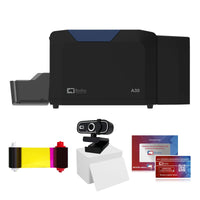 vs.
vs.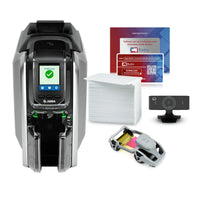

 CR80 30 mil PVC cardsFrom $3.99
 Adhesive-backed PVC cardsFrom $9.99
 Proximity cards (NoMativ)From $369.00
 NTAG NFC cards, 100 packFrom $59.00
 Buy the softwareDesign and print ID cards on PC and Mac
On this page
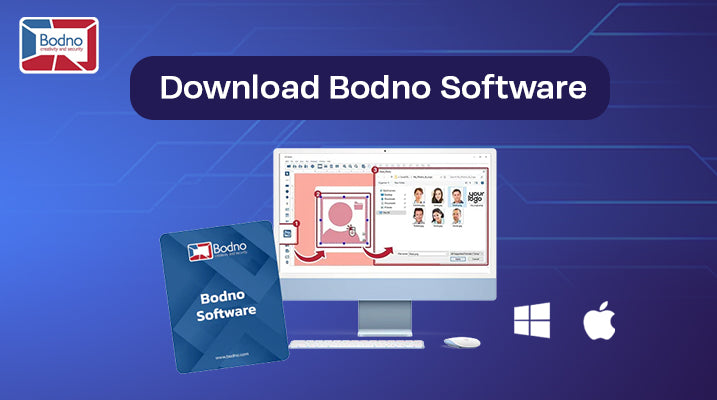
If you’re trying to get Bodno installed and you just want the right link (without hunting around), you’re in the right place. Below are the official Bodno software downloads for Windows and Mac, plus simple step-by-step install help.
Official Bodno Software Download Links
-
Windows download (EXE): https://bodno.com/Bodno-software-win.exe
-
Mac download (DMG): https://bodno.com/Bodno-software-mac.dmg
Quick tip:
-
Windows files usually end in .exe
-
Mac files usually end in .dmg
Windows Installation (Simple Steps)
-
Click this link to download: https://bodno.com/Bodno-software-win.exe
-
When it finishes, open your Downloads folder.
-
Double-click Bodno-software-win.exe.
-
Follow the prompts to install.
-
Open Bodno Software and enter your activation code if it asks.
If you see a Windows safety message (totally normal):
Click More info → Run anyway (as long as you downloaded it from the official link above).
Mac Installation (Simple Steps)
-
Click this link to download: https://bodno.com/Bodno-software-mac.dmg
-
Open your Downloads folder and double-click the .dmg file.
-
If it shows an icon to drag, drag Bodno Software into Applications.
-
Open Applications → Bodno Software.
-
Enter your activation code if it asks.
If your Mac blocks it at first (also normal):
Go to System Settings → Privacy & Security → click Open Anyway, then try launching Bodno Software again.
If the Download Doesn’t Start (Quick Fixes)
This happens sometimes, especially on work computers. Try these:
-
Use a different browser (Chrome or Edge usually works best)
-
Try again from a different network (some offices block software downloads)
-
If you have an IT department, ask them to allow downloads from bodno.com
Want the Fastest Help?
If you get stuck, copy/paste the exact message you see on your screen (or send a screenshot). We’ll point you to the right fix right away.
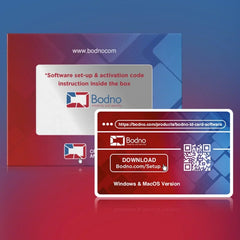
Download it, activate it, or add another license. Activation codes arrive by email in 15 minutes.
