Bodno A10From $995
 Bodno A20From $1,595
 Bodno A30From $1,995
 Bodno A40 ProFrom $2,995
 vs.
vs.



 CR80 30 mil PVC cardsFrom $3.99
 Adhesive-backed PVC cardsFrom $9.99
 Proximity cards (NoMativ)From $369.00
 NTAG NFC cards, 100 packFrom $59.00
 Buy the softwareDesign and print ID cards on PC and Mac





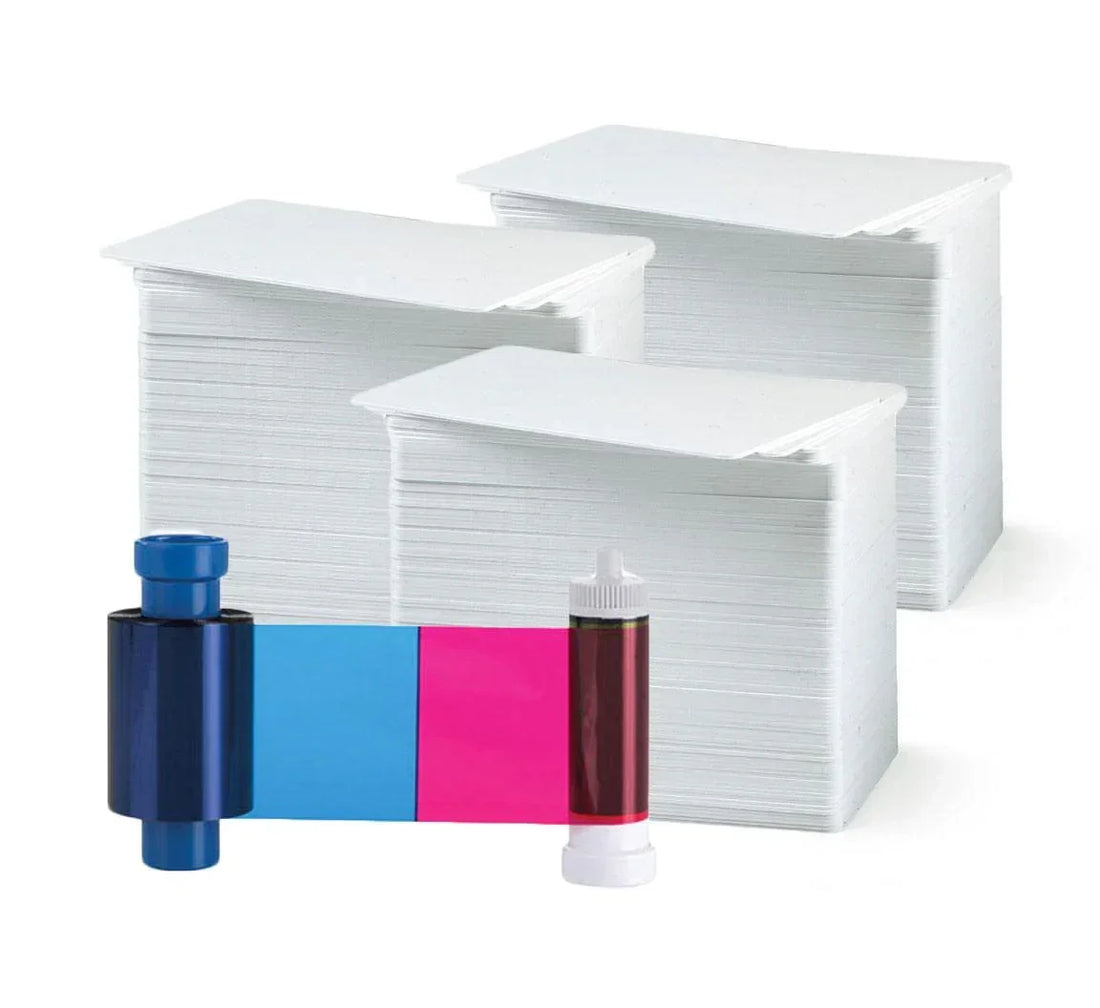
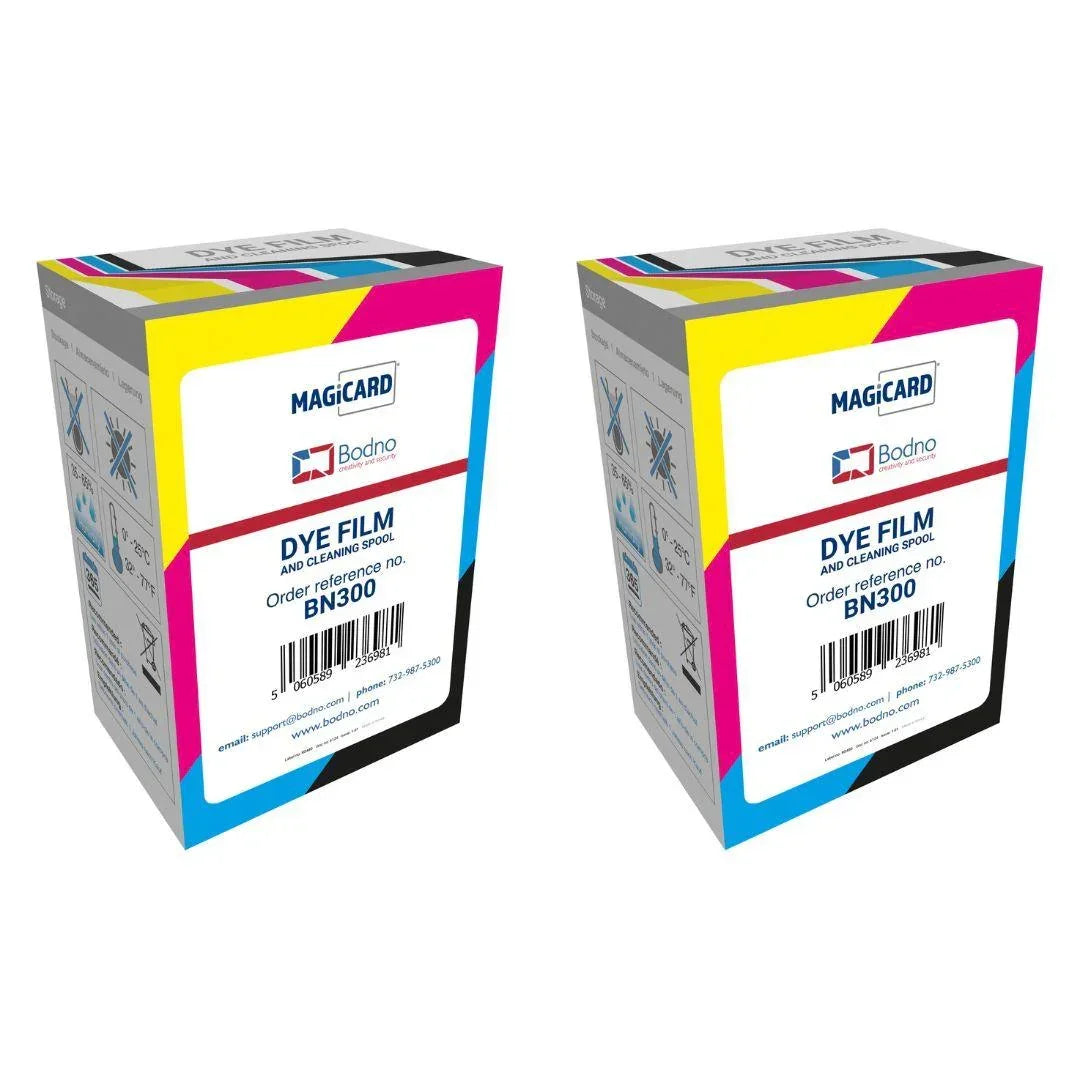
Magicard
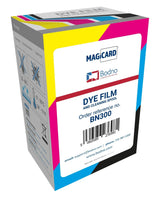
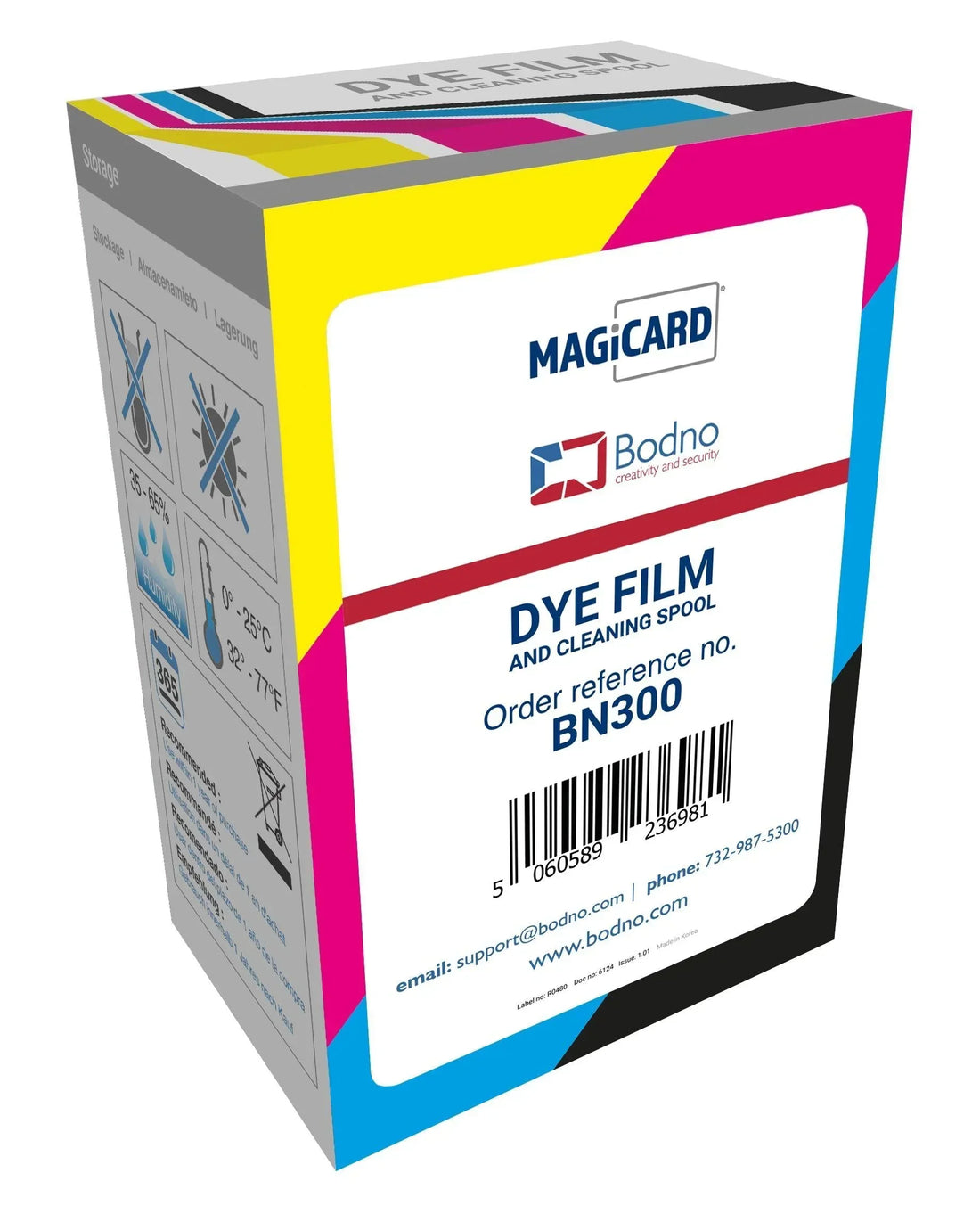
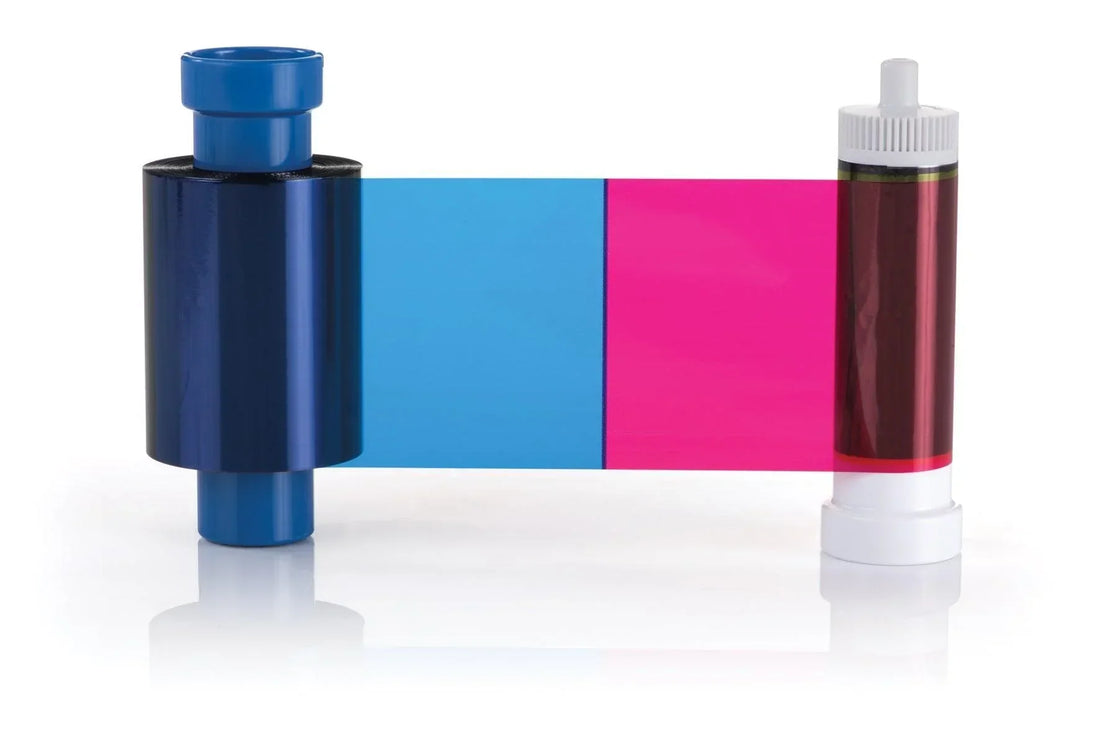
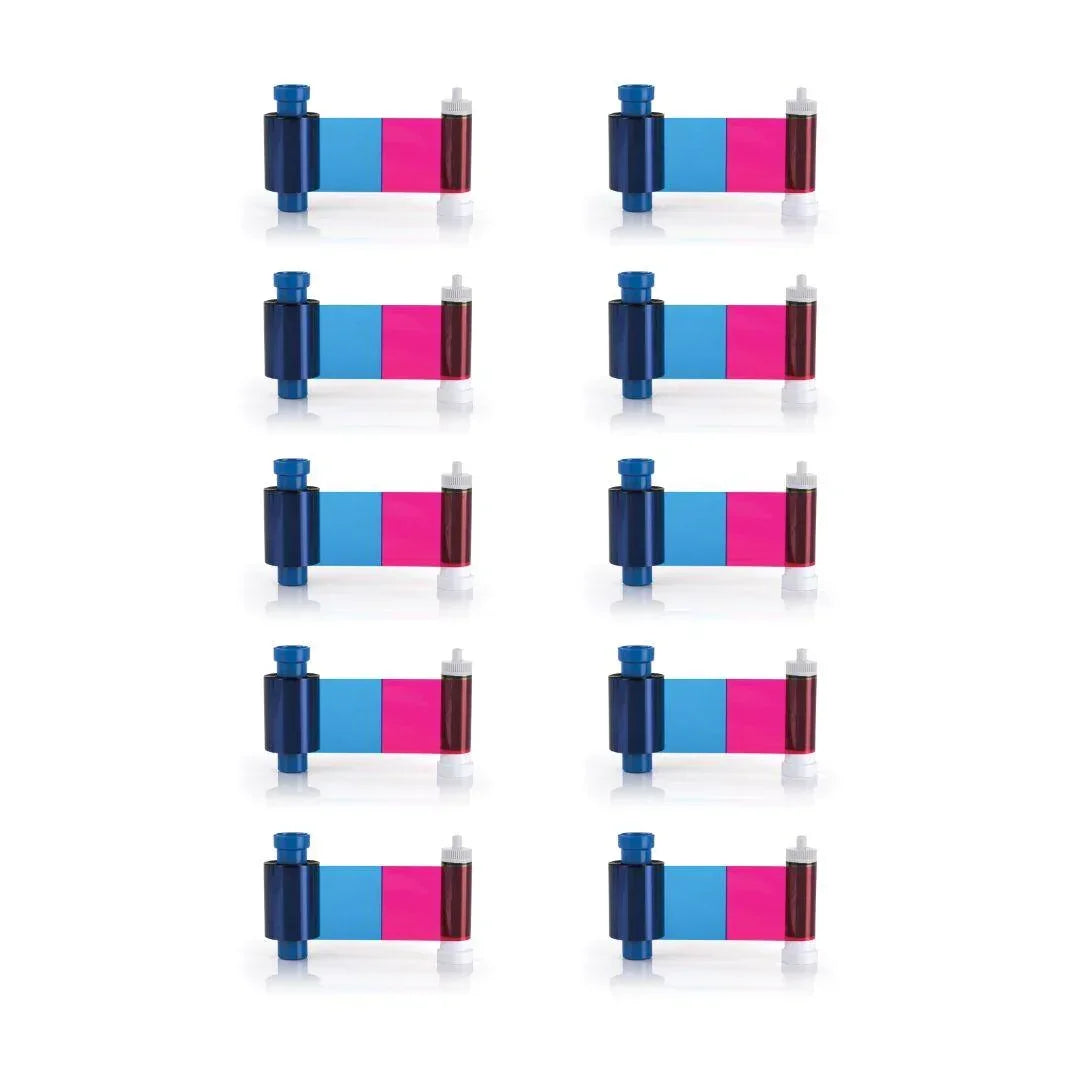
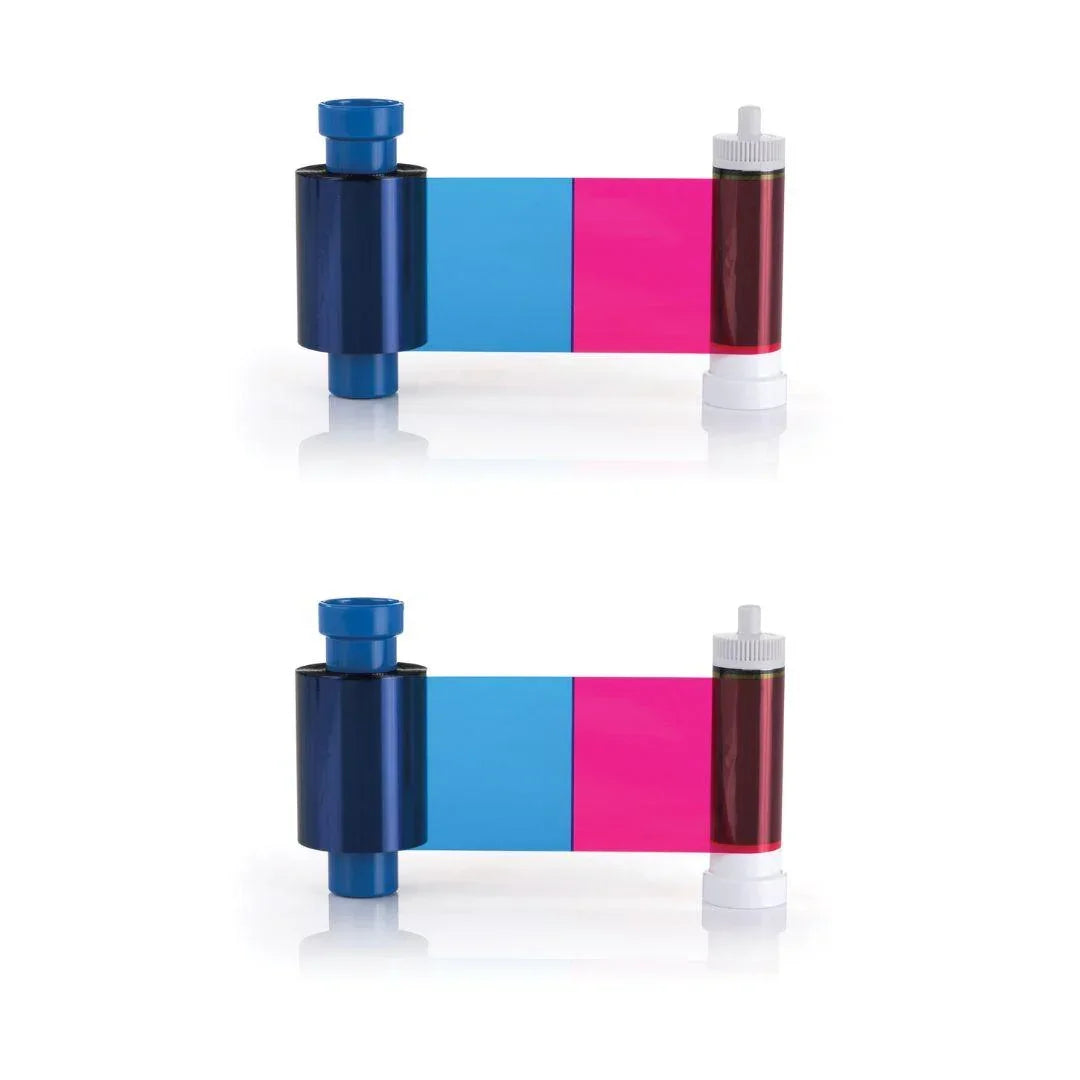
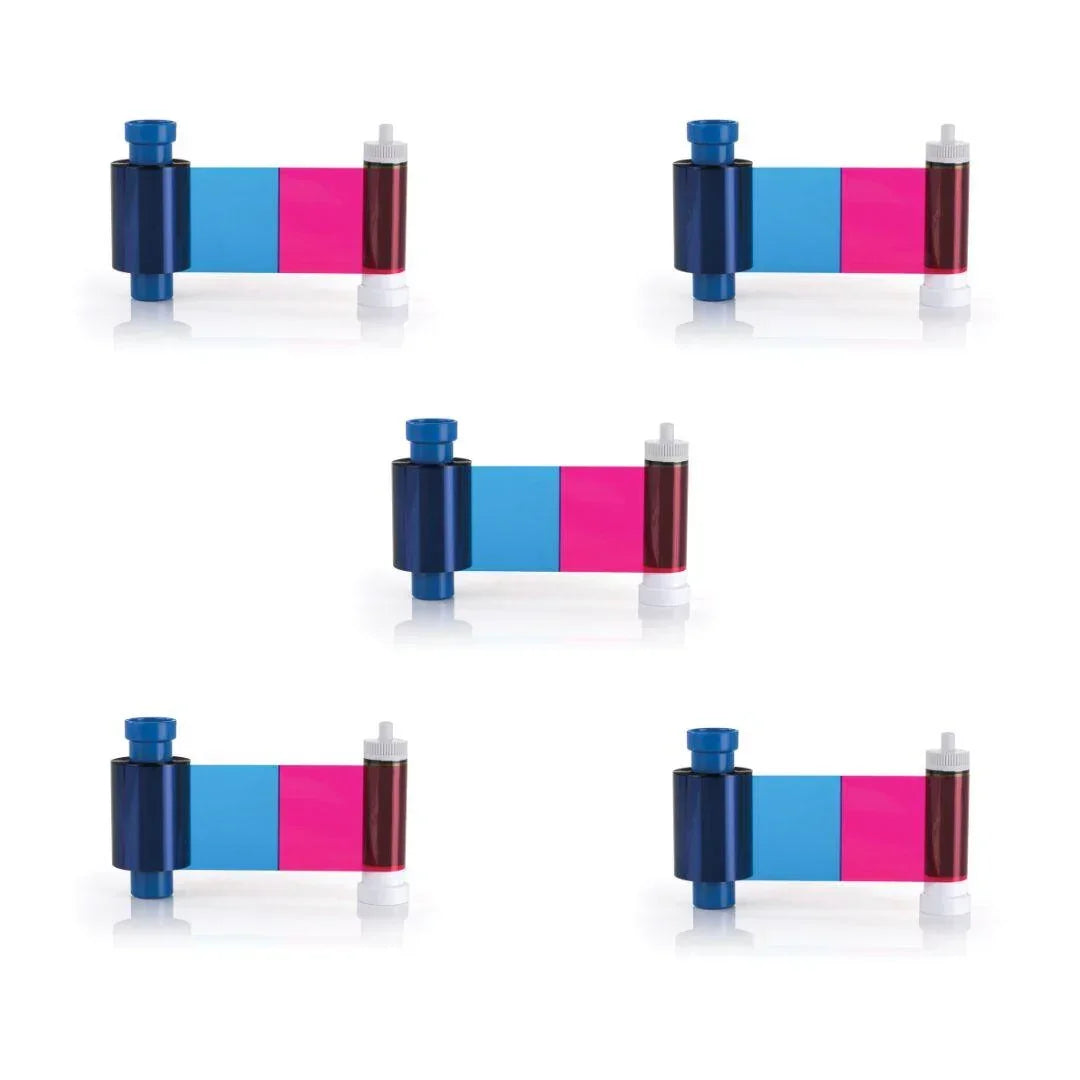
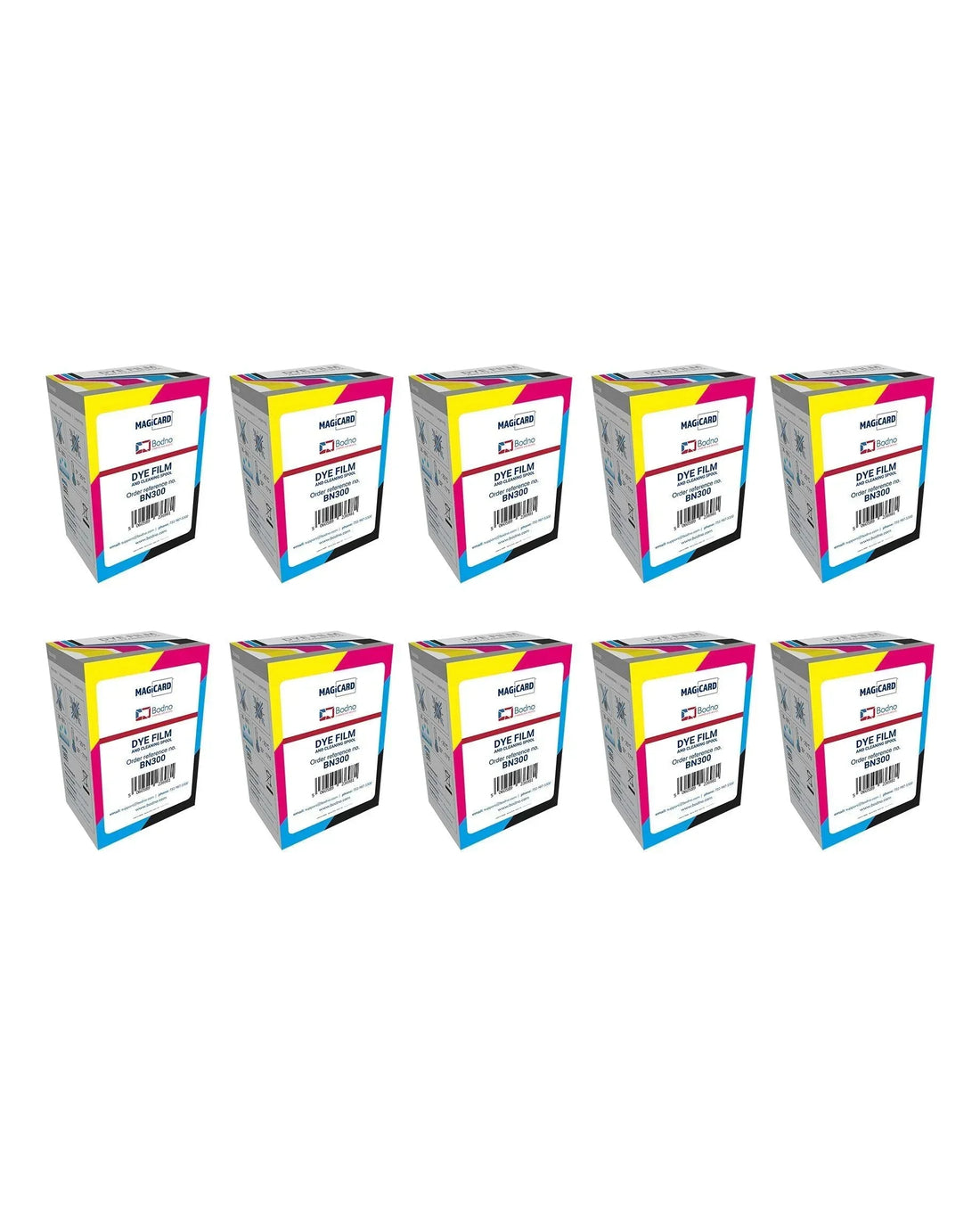
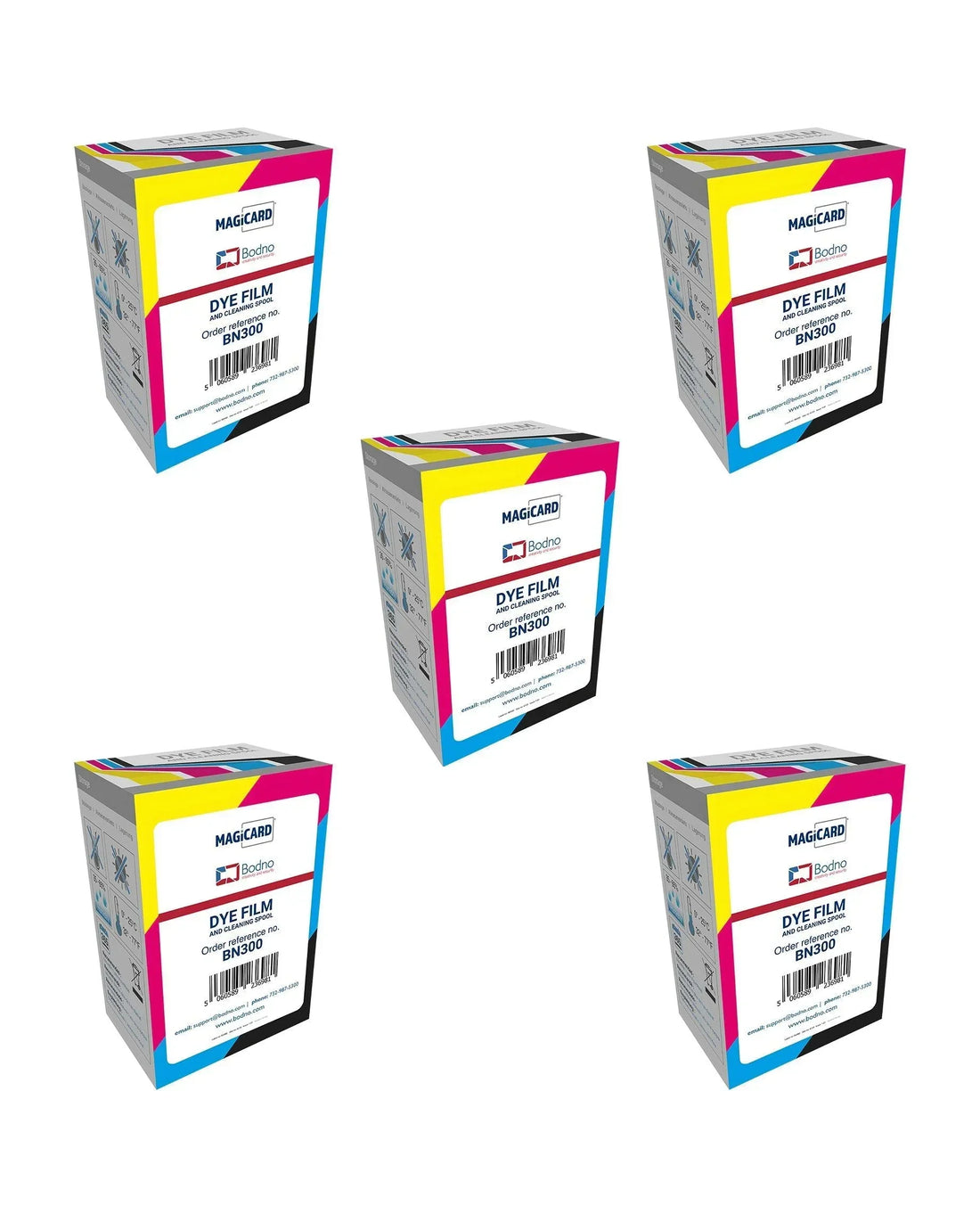
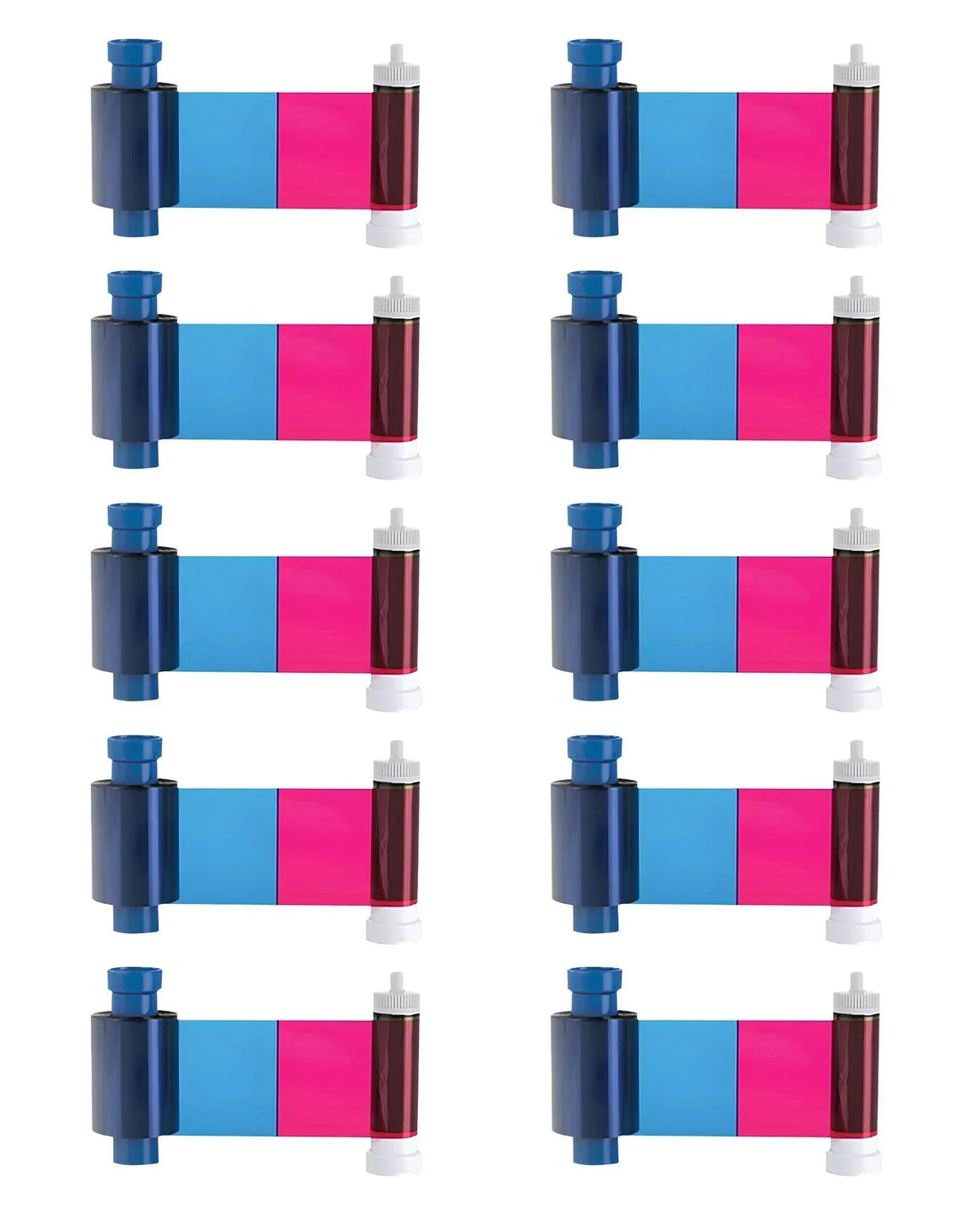
Magicard BN300 Color Ribbon for Magicard D
YMCKO · 300 prints
✓ Fits Magicard D · See compatible printers
Compatible with
Don’t see your printer? Find your printer’s supplies or call (732) 987-5300.
Customers also buy
Specifications
| Brand | Magicard |
|---|---|
| Part number | BN300 |
| Panels | YMCKO |
| Prints per roll | 300 prints |
| Cost per card | About $0.37 per card |
| Fits | Magicard D |
About this product
Improve your ID card printing capabilities with the Magicard BN300 Ribbon, designed specifically for seamless use with the Magicard D printer. This high-quality ribbon delivers vibrant, long-lasting prints for ID cards, badges, and access control cards, ensuring a professional look for your organization.
- Compatibility: Works perfectly with the Magicard D printer for optimal performance and reliability.
- High-quality printing: Uses advanced dye-sublimation YMCKO technology to produce sharp images, clear text, and vivid colors.
- Print yield: Prints up to 300 cards per ribbon, offering a cost-effective printing solution.
- Easy installation: User-friendly design allows quick and hassle-free ribbon replacement, minimizing downtime.
Upgrade your Magicard D printer with the BN300 Ribbon for consistent, high-quality ID card printing.
Common questions
How many cards does one Magicard BN300 Color Ribbon print?
300 single-sided cards per ribbon. If you print on both sides of a card, each card uses two prints, so one ribbon makes 150 two-sided cards.
How many ribbons do I need?
For 500 cards you need 2 ribbons, and for 1,000 cards you need 4, printing on one side. Use the calculator above for your exact number.
What does YMCKO mean on this ribbon?
Y, M and C (yellow, magenta and cyan) print the full-color picture. K prints sharp black text and barcodes. O lays a clear overlay over the card to protect it. Together they print full color on one side of the card.
Which printers does the Magicard BN300 Color Ribbon fit?
It fits the Magicard D. Not sure which printer you have? Email sales@bodno.com and we’ll confirm it before you order.
Does this ribbon print HoloKote?
Yes. Magicard printers print HoloKote, a clear watermark you see when you tilt the card, through the overlay (O) panel of this ribbon. There is no extra film or laminate to buy. The Magicard D can also print a custom HoloKote with your own logo. More: What is HoloKote?
Should I clean the printer when I change the ribbon?
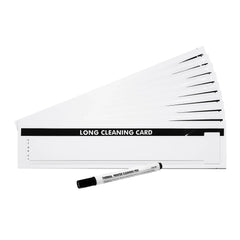
Yes. Run a cleaning card and fit a fresh cleaning roller at every ribbon change. Static on PVC cards pulls in dust, and dust dragged under the printhead is what wears it out. More: Why regular cleaning matters.
Why is there a white line on every card?
Print the printer’s own test card. If the line is there too, a printhead element is damaged, and it cannot be cleaned away or repaired, only replaced. Cleaning at every ribbon change, and punching slots after printing instead of before, keeps it from happening. See White line on Magicard printers.
I get a MAGAPI error in Bodno software. What do I do?
In Bodno, open the BOD tab → Printer Drivers, find your Magicard printer, change Print Class to WIN32API, save, and restart Bodno. More: Fix the MAGAPI error.
How long do color ribbons last if unopened?
Unopened ribbons can last 18–24 months when stored properly. Keep them sealed in original packaging, in a cool, dry place away from sunlight or humidity to preserve print quality.