Bodno A10From $995
 Bodno A20From $1,595
 Bodno A30From $1,995
 Bodno A40 ProFrom $2,995
 vs.
vs.



 CR80 30 mil PVC cardsFrom $3.99
 Adhesive-backed PVC cardsFrom $9.99
 Proximity cards (NoMativ)From $14.99
 NTAG NFC cards, 100 packFrom $59.00
 Buy the softwareDesign and print ID cards on PC and Mac


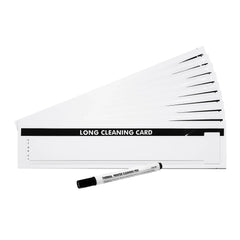




Magicard
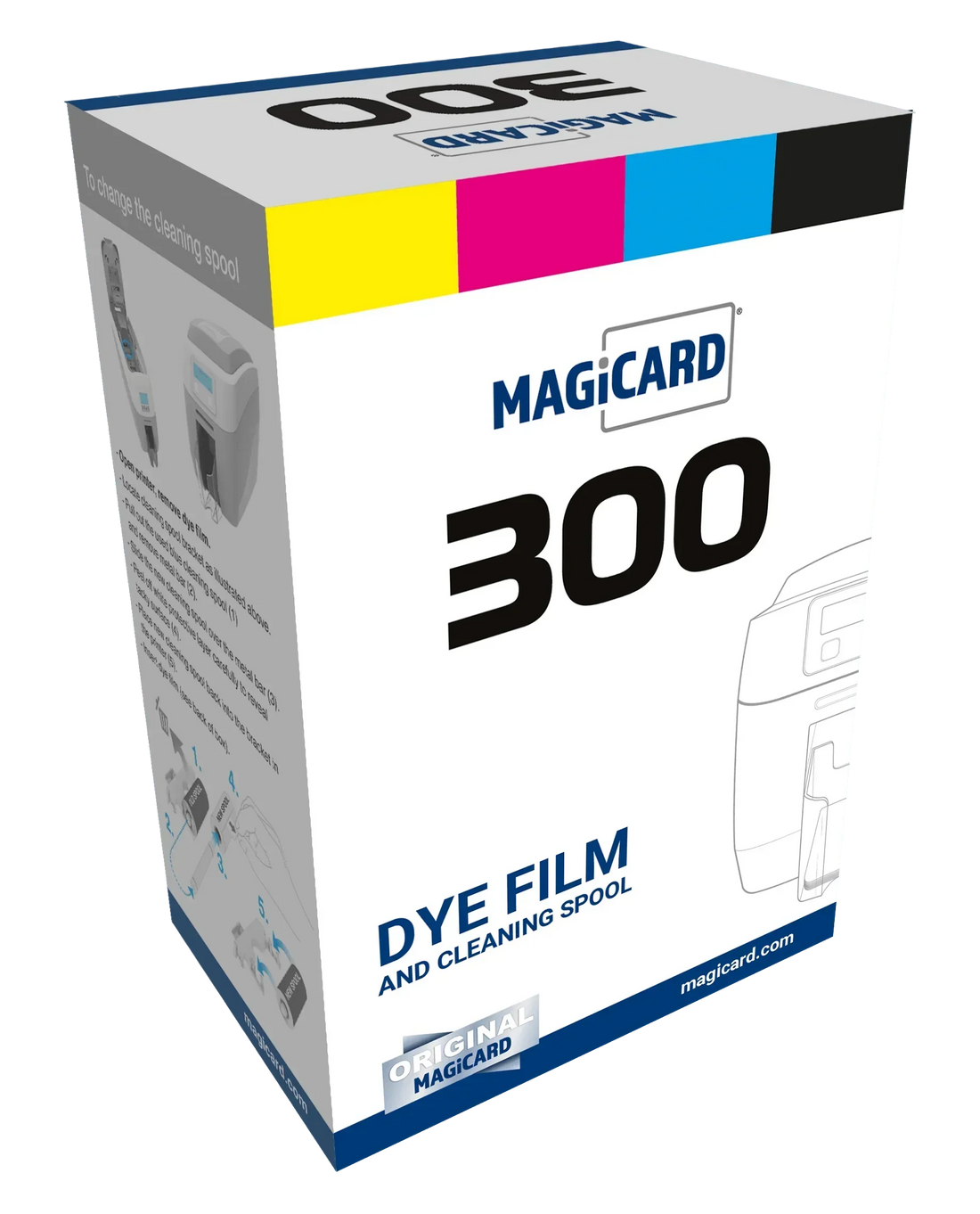
Magicard 300 X Line Full Color Ribbon 300 Printers
Customers also buy
Selected:
Specifications
| Brand | Magicard |
|---|---|
| Part number | MC300YMCKO-Bodno |
About this product
Common questions
Should I clean the printer when I change the ribbon?
Yes. Run a cleaning card and fit a fresh cleaning roller at every ribbon change. Static on PVC cards pulls in dust, and dust dragged under the printhead is what wears it out. More: Why regular cleaning matters.
Why is there a white line on every card?
Print the printer’s own test card. If the line is there too, a printhead element is damaged, and it cannot be cleaned away or repaired, only replaced. Cleaning at every ribbon change, and punching slots after printing instead of before, keeps it from happening. See White line on Magicard printers.
I get a MAGAPI error in Bodno software. What do I do?
In Bodno, open the BOD tab → Printer Drivers, find your Magicard printer, change Print Class to WIN32API, save, and restart Bodno. More: Fix the MAGAPI error.
Not sure this is the right one?Tell us your printer model and we’ll confirm before you order. Call (732) 987-5300, Monday to Friday, 9am–7pm ET.
Email us