

 Bodno A10From $995
 Bodno A20From $1,595
 Bodno A30From $1,995
 Bodno A40 ProFrom $2,995
 vs.
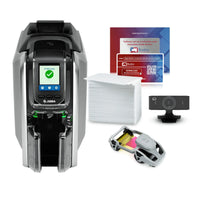
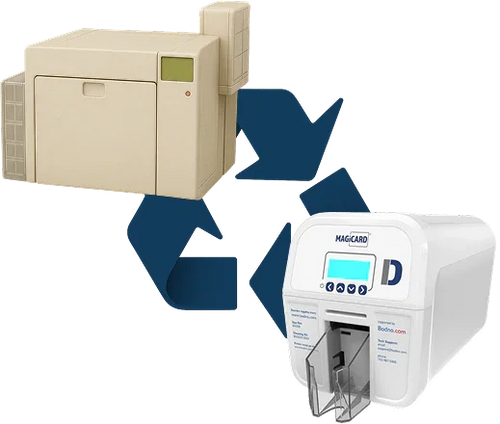

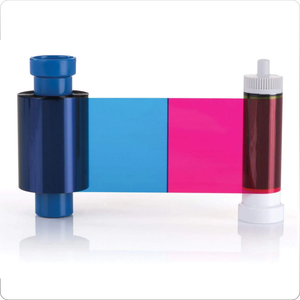
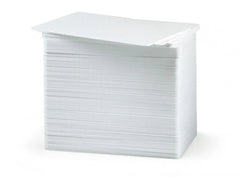
 CR80 30 mil PVC cardsFrom $3.99
 Adhesive-backed PVC cardsFrom $9.99
 Proximity cards (NoMativ)From $369.00
 NTAG NFC cards, 100 packFrom $59.00
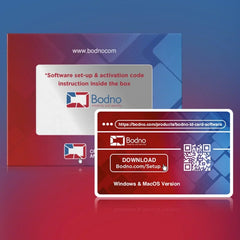
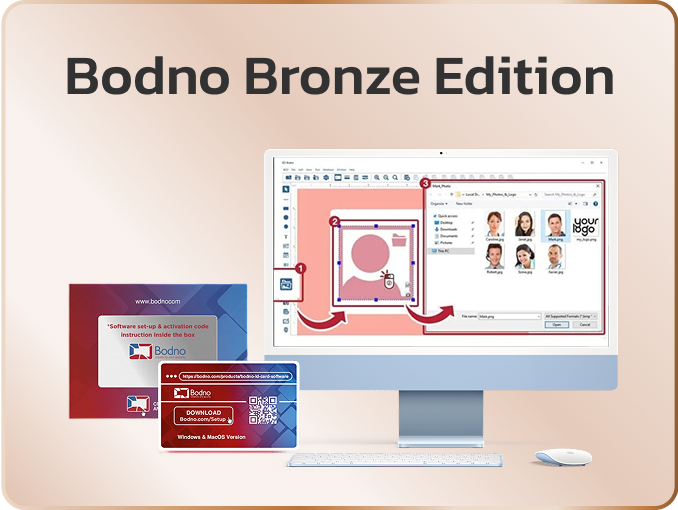
 Buy the softwareDesign and print ID cards on PC and Mac
BDN4-7Q2K-9XHM-31TA
Register your printer
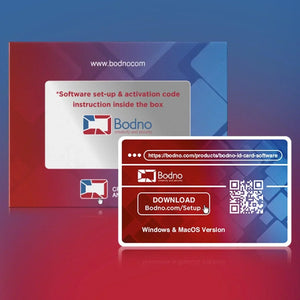
Registering gets you your free Bodno software activation code and links your printer to your business for support.
Already registered? Skip to setup →
1Your details
2Your order and printer
Where’s the serial number?
It’s on the label on the printer itself, usually the back or bottom. Not the barcode on the box, the power adapter or the ribbon.
| Bodno A-Series | S157H47244 · 10 letters and numbers |
|---|---|
| Seaory | S130I11181 · 10 letters and numbers |
| Magicard | 76026243 · 8 digits starting 75 or 76. Not the model number, like 3649-0001 |
| Evolis, Badgy | 10001418235 · 11 digits starting 1000 |
| Matica | 1003293 · 7 digits starting 100 |
| Fargo | C6170657 · C and 7 digits |
| Zebra | C3J262900343 · C1J or C3J and 9 digits |
We filled this in from what you entered. Fix anything that’s off and send. Prefer to talk? Call (732) 987-5300, 9am–7pm ET.
What you get
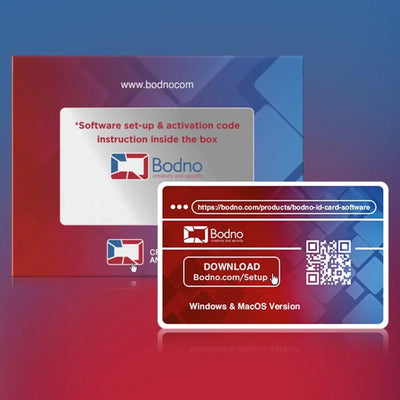
- Your Bodno ID Card Software activation code
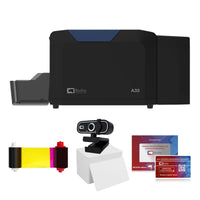
- Step-by-step setup for your printer
- A free 1-hour setup with a technician
You’ll need
- A Windows PC or a Mac. Not a Chromebook or iPad.
- An administrator account to install the driver
You’re registered
Here’s your activation code
BDN4-7Q2K-9XHM-31TAWe also emailed it to you. Lose it later? Email it to me again
Registering more than one printer? Register another printer
You’ll paste it into Bodno software in step 5. It stays at the top of every step until then.
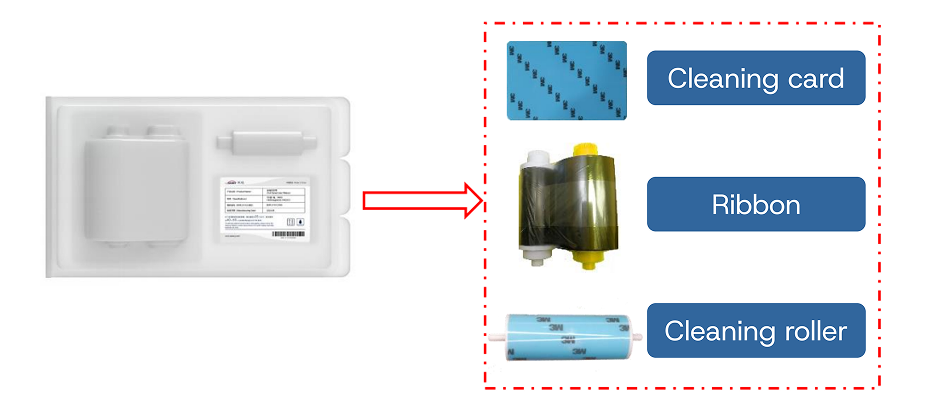
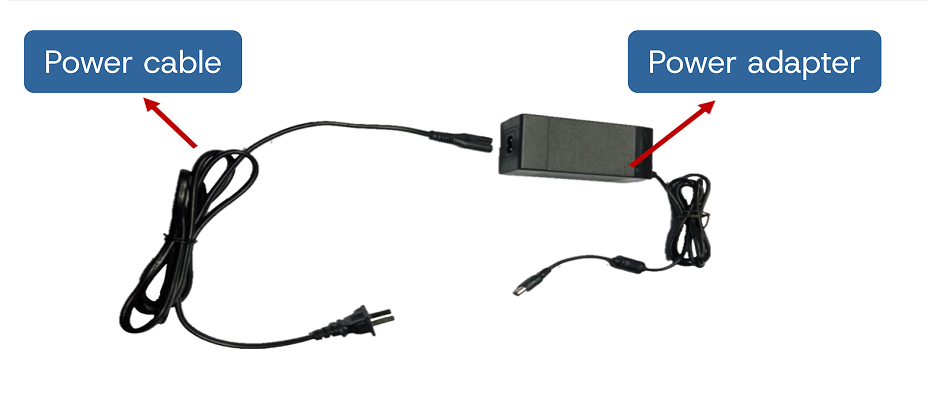
Unbox your
Tap each item as you find it in the box.
Something missing? Email a photo of the box and the shipping label to contact@bodno.com and we’ll ship it. Keep the box for 30 days.
Load ribbon and cards into your
Do this with the printer off.
New printer? Do this first
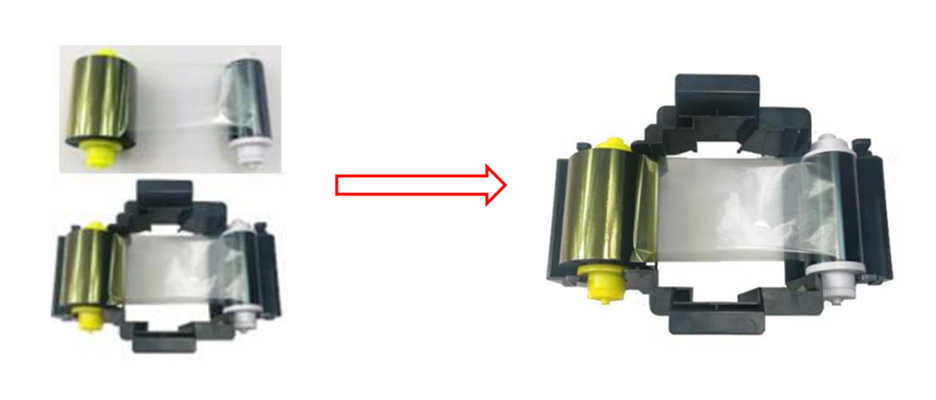
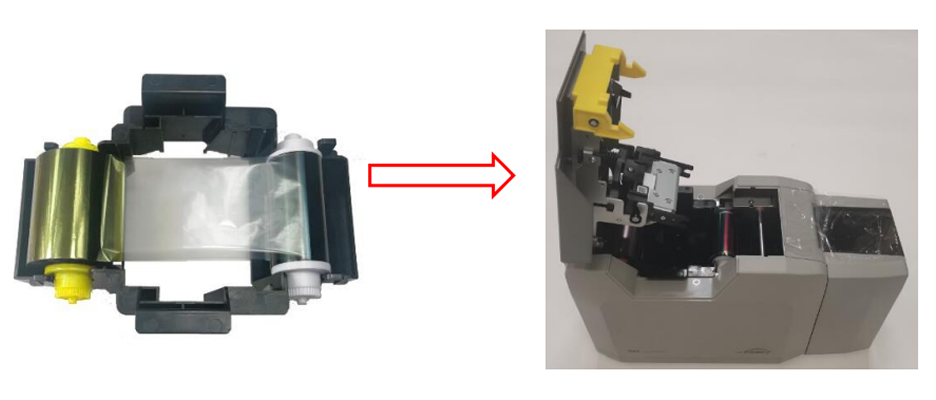
From now on: every time you change the ribbon, run a cleaning card first. Step 7 shows how.
Install the driver for your
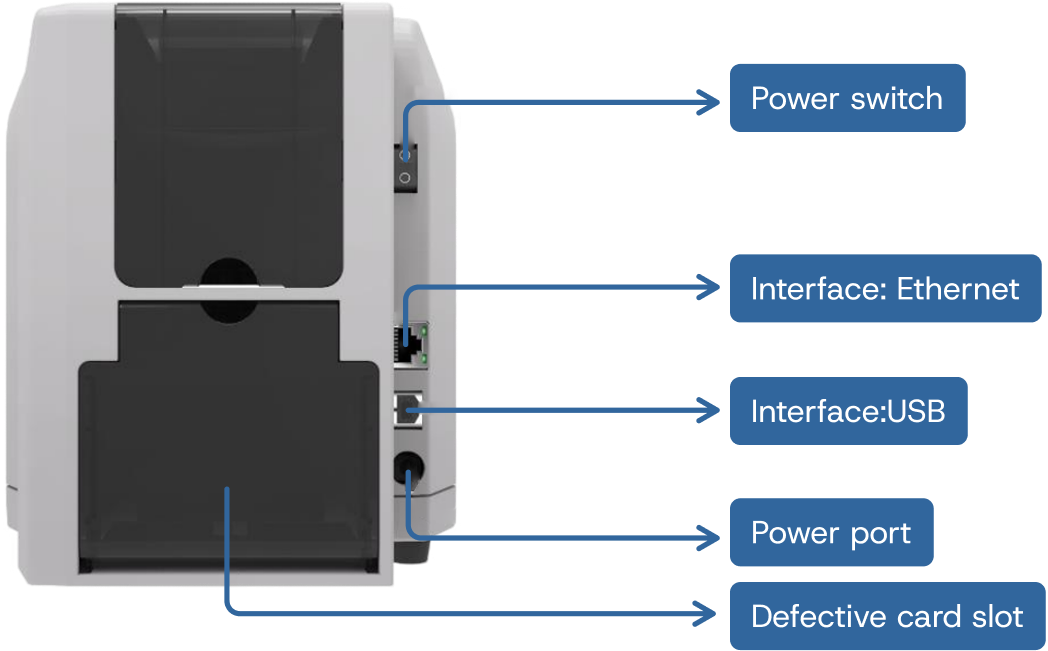
The driver lets your computer talk to your .
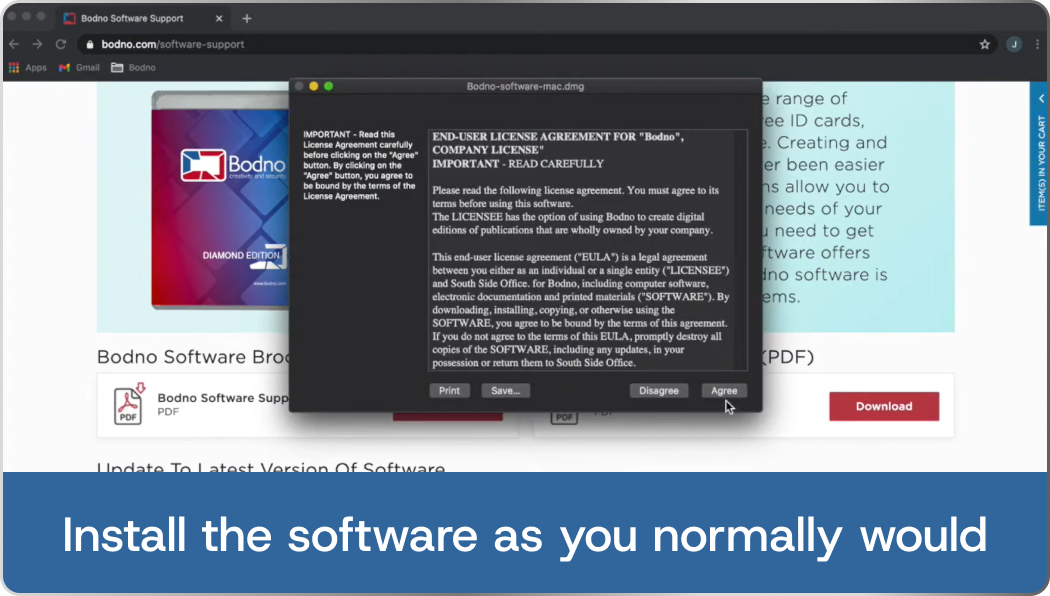
You need an administrator account. On a work or school computer, have IT ready before you start. Asked for a password, or the install fails with error 2502? Sign in as an administrator or ask your IT team.
The driver is for Windows only.
Common on a new printer
Printer showing Error 48?
It’s the most common message on a new , and it almost never means something is wrong with the printer. It means the printer can’t read the ribbon. Most people clear it in a few minutes:
- Reseat the ribbon. Lift it out, check the film is flat and not wound tight, set it back flat in its guides and close the cover gently.
- Still there? Calibrate. Take the ribbon out, close the cover, then run . Put the ribbon back and print.
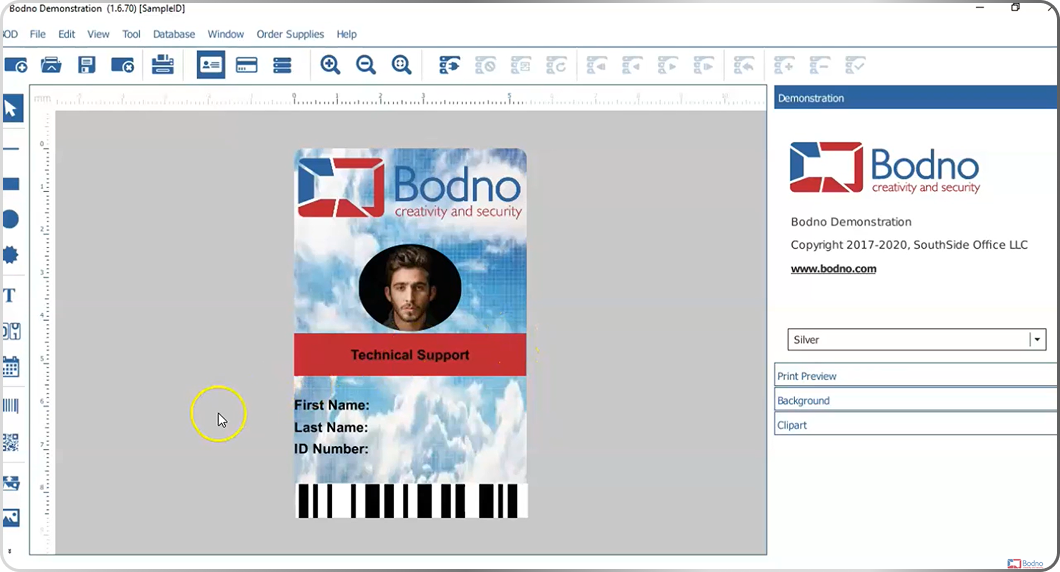
Install Bodno ID Card Software
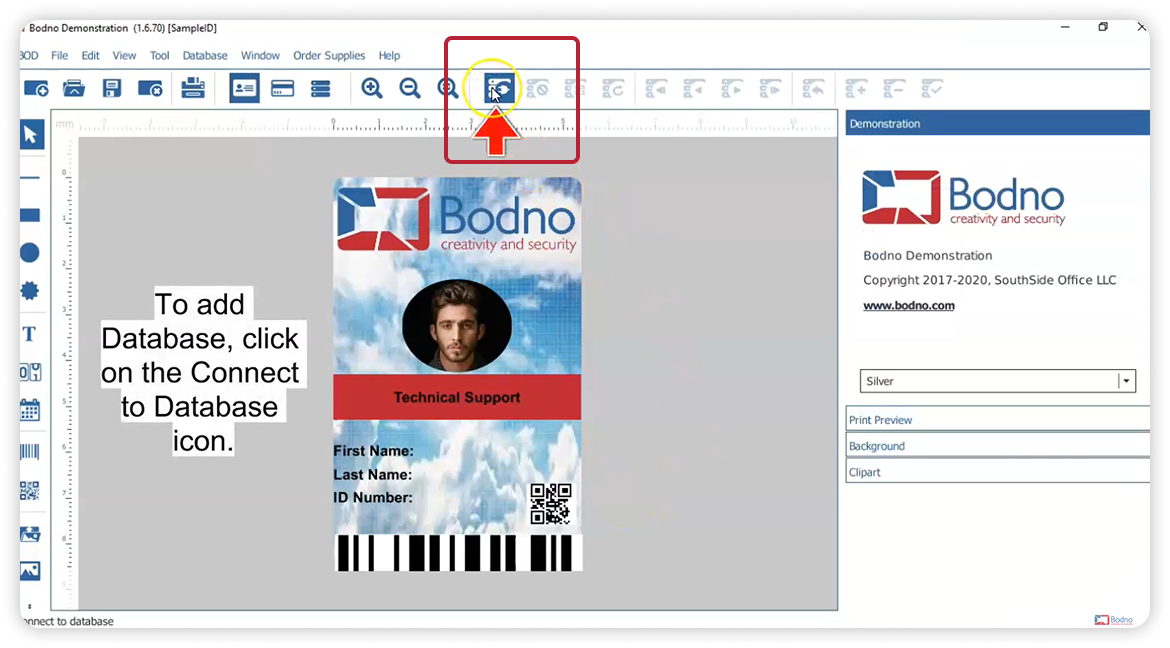
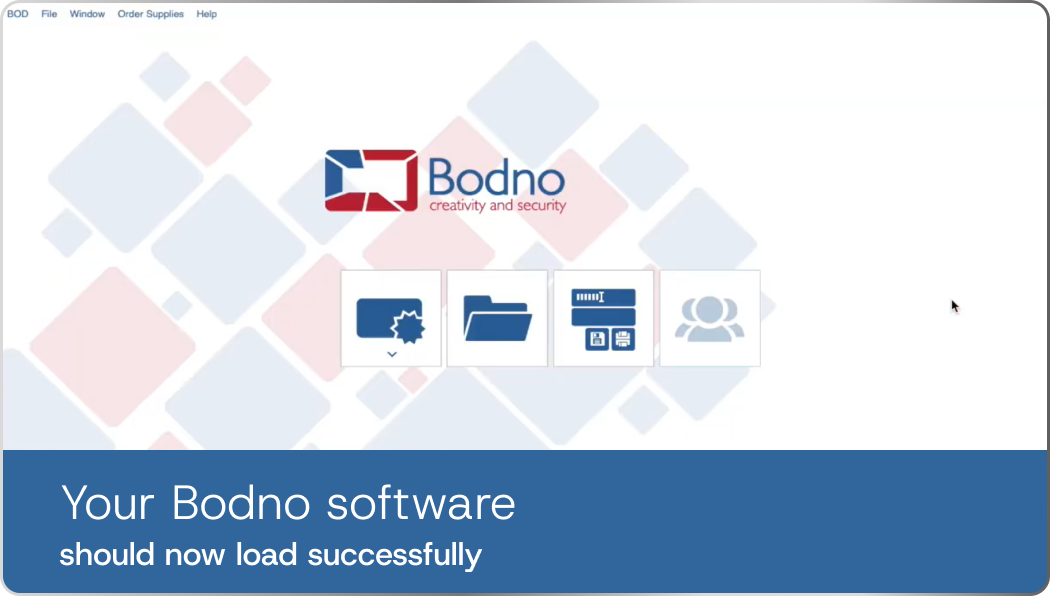
This is where you design and print cards on your .
BDN4-7Q2K-9XHM-31TAPrint your first card on your
Let’s make sure everything works.
First, the printer’s own test card
Then, a card from Bodno software
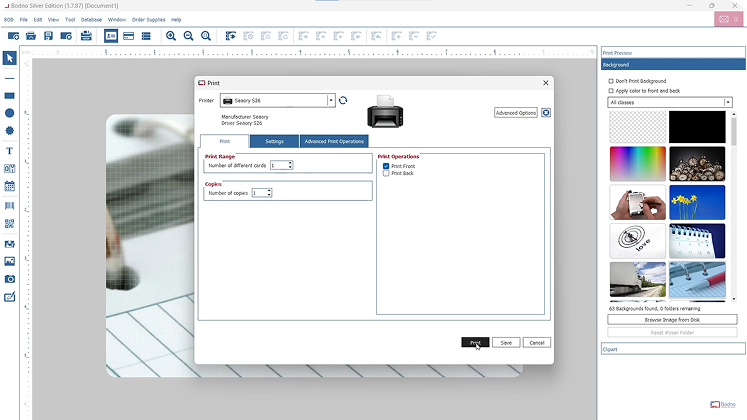
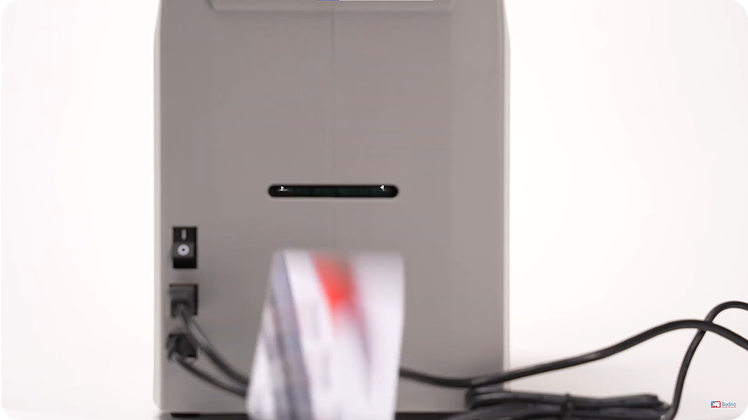
Lines or streaks on the card? Run the cleaning card through the printer and print again. More fixes for your
Nothing printed? Book a free 1-hour setup and a technician connects to your computer to finish it with you.
Clean your every time you change the ribbon
This one habit keeps every card sharp and protects the printhead. Most lines, streaks and faded cards come from skipping it.
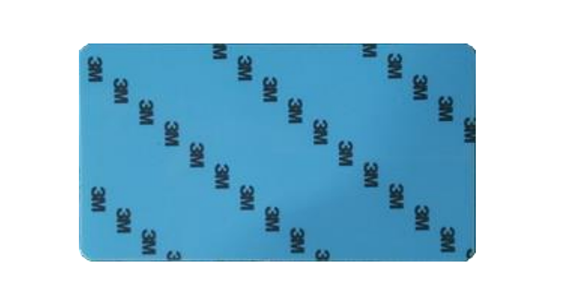
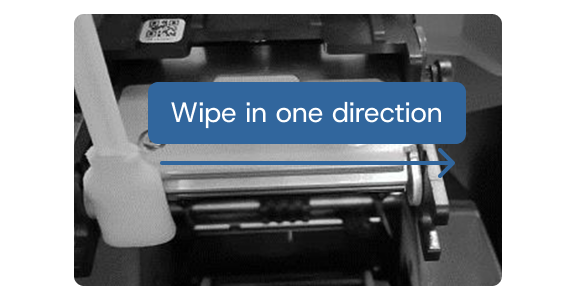
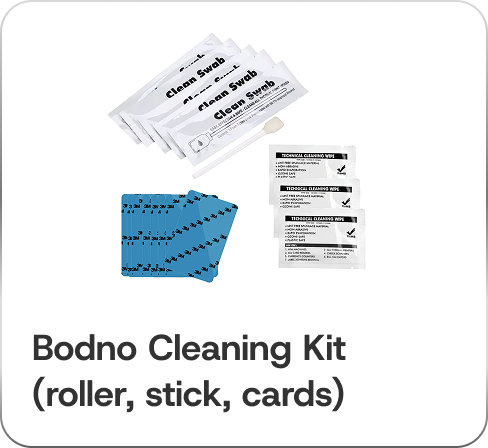
Still seeing streaks or lines after cleaning? See the fixes for your →
Setup complete
You’re set up. Welcome to Bodno.
Your is ready to print. Here’s what keeps it printing for years.
Protect your printer
Bought on Amazon?
Share your honest review
Schools and businesses read reviews before they choose a printer. A few honest sentences about your help them decide.
Spare ribbon
Cleaning kit
Add a user