


 Bodno A10From $995
 Bodno A20From $1,595
 Bodno A30From $1,995
 Bodno A40 ProFrom $2,995
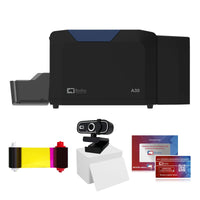 vs.
vs.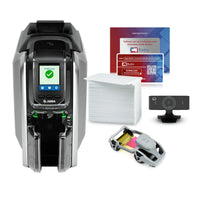

 CR80 30 mil PVC cardsFrom $3.99
 Adhesive-backed PVC cardsFrom $9.99
 Proximity cards (NoMativ)From $14.99
 NTAG NFC cards, 100 packFrom $59.00
 Buy the softwareDesign and print ID cards on PC and Mac

On this page
Updated October 12, 2026
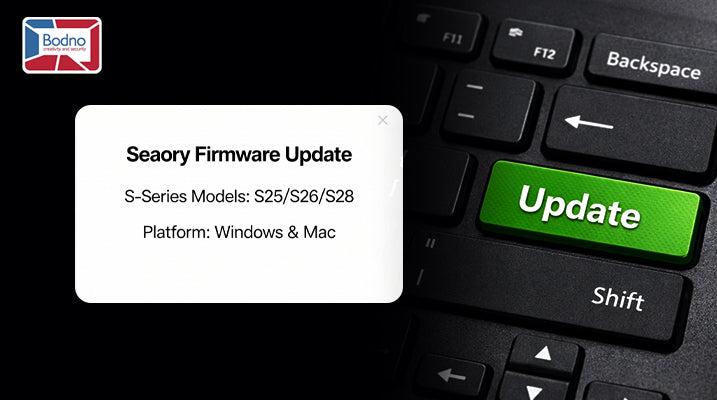
Use the firmware package for your exact Seaory S25, S26 or S28 model. Follow the updater until it reports completion, then confirm the installed version. The time required can vary.
When to update: on every new printer, right after the driver is installed and the printer is connected, and before you print real cards.
Quick Answer (Windows and Mac)
Windows: Download and extract firmware → open FwUpdateTool.exe → click Update Firmware → when you see “Firmware Update Done”, close and confirm in Printer Preferences → Printer Information.
Mac: Unzip firmware → place FwUpdateTool.app inside the model’s firmware folder → connect printer → open the tool → click Upgrade Firmware → wait for Finished.
Don’t power off or disconnect the printer while updating. The S25 uses USB; Ethernet connections apply to S26/S28.
Current model downloads: S25 support · S26 support · S28 support.
Windows — Step-by-Step (S25 / S26 / S28)

Download and extract the correct firmware from your model’s Bodno support page.
Run the tool: double-click FwUpdateTool.exe.
Update: in the firmware update tool, click Update Firmware. Tool v1.44 is shown in the screenshot; your downloaded version may differ.
Finish & verify: when the window shows “Firmware Update Done”, close it.
Open Devices & Printers → [Seaory S-Series] → Printing Preferences → Printer Information to confirm the new firmware version.
Tiny tips (Windows):
- Use a direct USB connection (avoid hubs if possible).
- Do not send print jobs during the update.
Mac — Step-by-Step (S25 / S26 / S28)

Unzip the downloaded firmware package.
Inside the unzipped firmware, place FwUpdateTool.app into the same firmware folder for your model (for example, the S28 firmware folder).
Keep the updater with the firmware files for your exact S25, S26 or S28 model.
Power on the printer and connect to your Mac.
Open FwUpdateTool.app (right-click → Open if macOS asks).
Click Upgrade Firmware and let it run until it shows Finished.
Do not power off during the upgrade.
Tiny tips (Mac):
- If Gatekeeper warns you, right-click → Open to proceed.
- Keep the printer connection stable until the tool says Finished.
That’s it
A quick update keeps your S-Series (S25/S26/S28) running smoothly and compatible with the latest fixes. Print a test card after updating to confirm everything works.
Download it, activate it, or add another license. Activation codes arrive by email in 15 minutes.
