Bodno A10From $995
 Bodno A20From $1,595
 Bodno A30From $1,995
 Bodno A40 ProFrom $2,995
 vs.
vs.



 CR80 30 mil PVC cardsFrom $3.99
 Adhesive-backed PVC cardsFrom $9.99
 Proximity cards (NoMativ)From $369.00
 NTAG NFC cards, 100 packFrom $59.00
 Buy the softwareDesign and print ID cards on PC and Mac






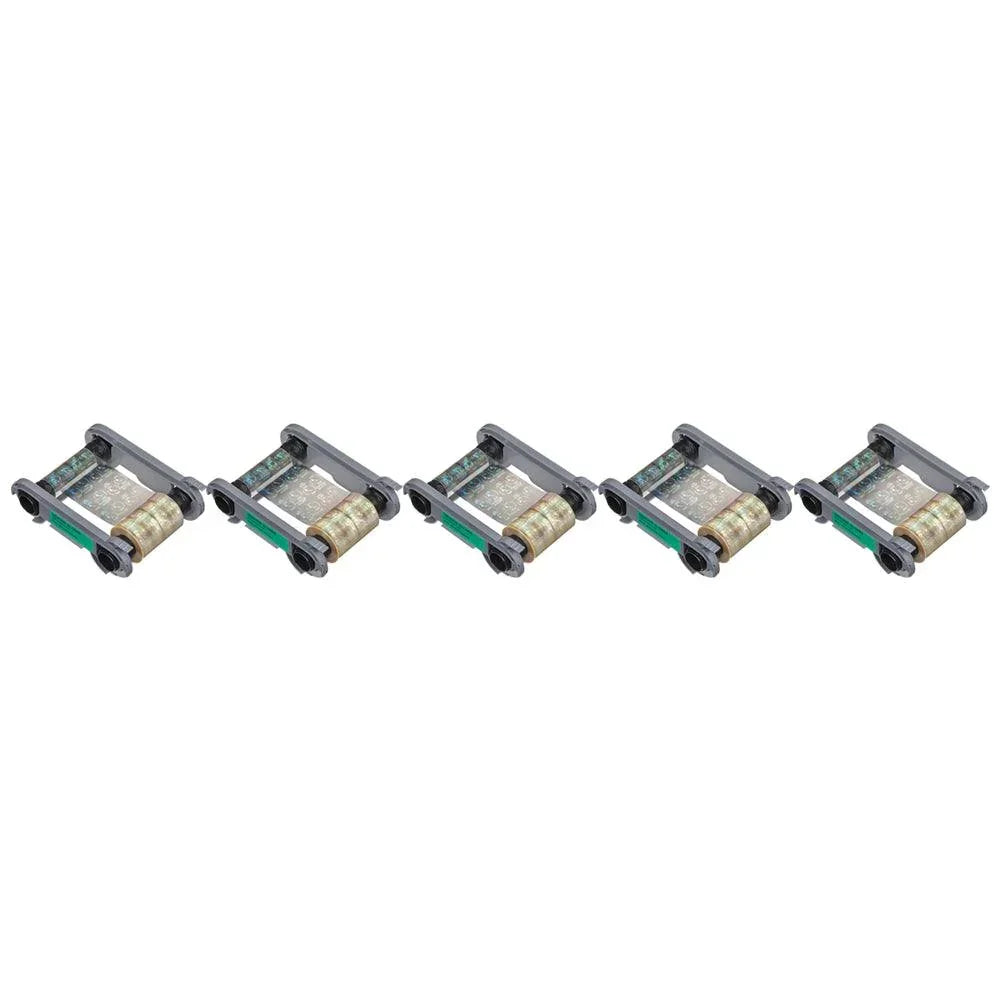
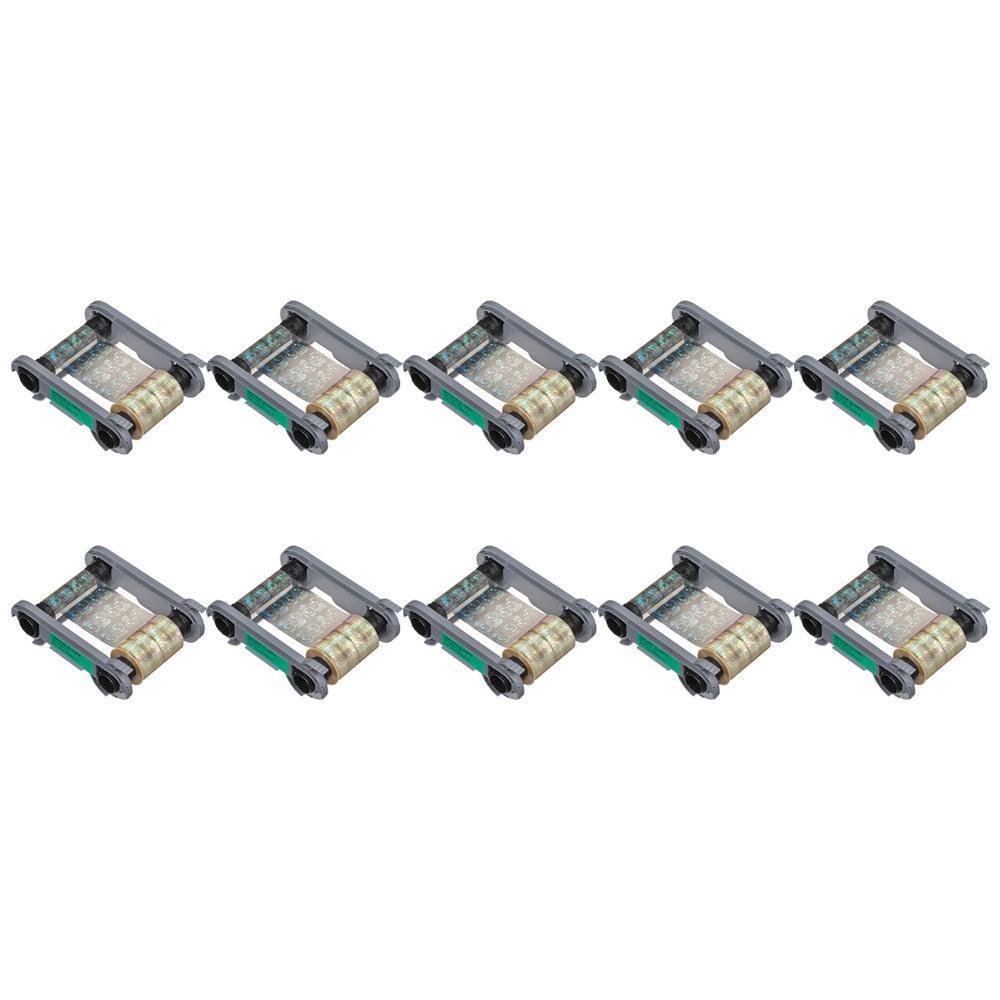
Evolis
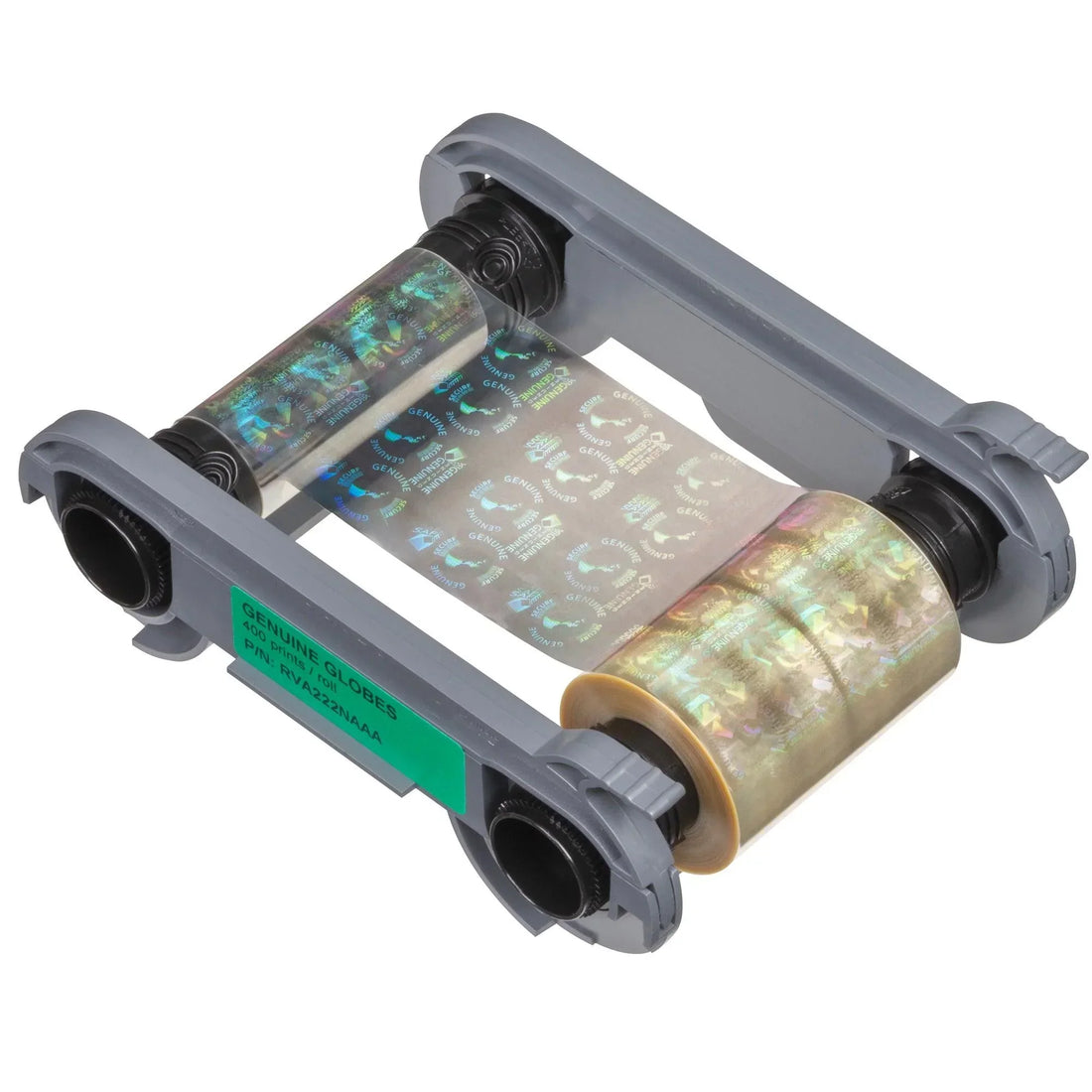
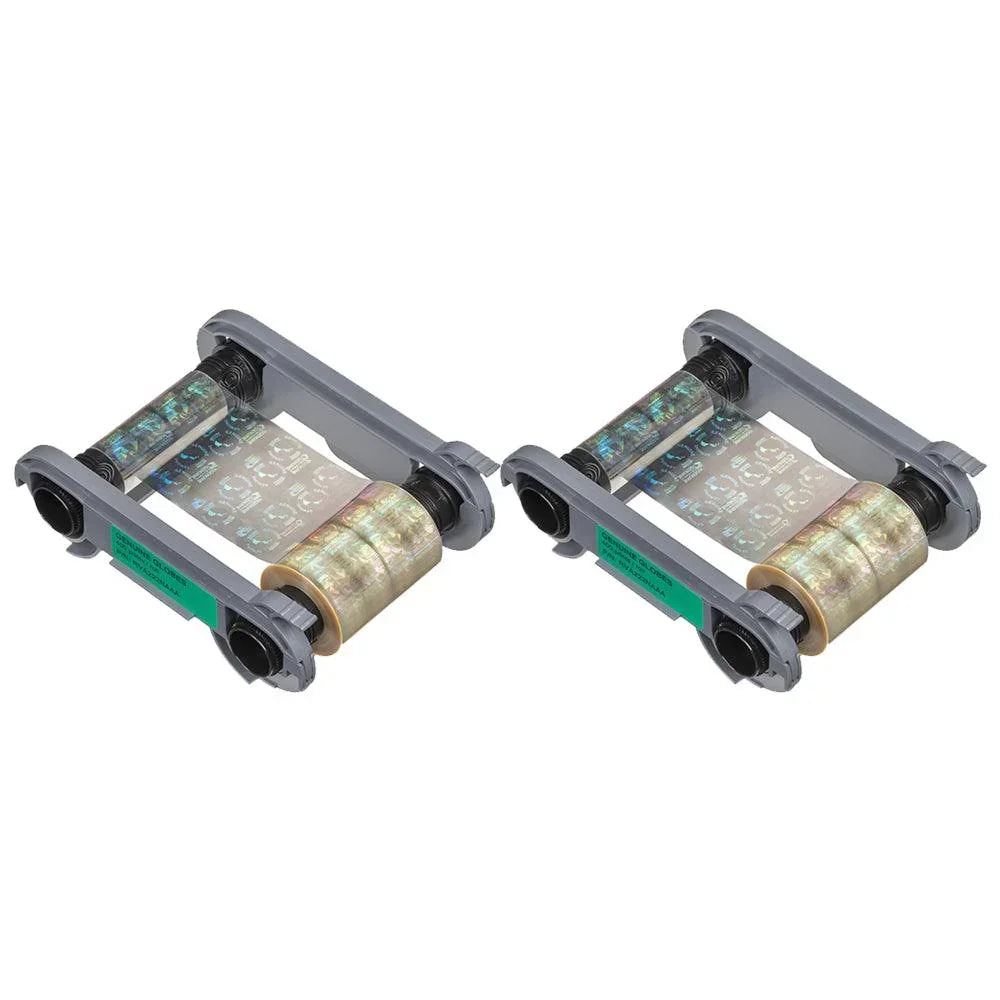
Evolis RVA222NAAA Hologram Varnish for Primacy 2
Genuine Globes · 400 prints
✓ Fits Evolis Primacy 2 · See compatible printers
Compatible with
Don’t see your printer? Find your printer’s supplies or call (732) 987-5300.
Customers also buy
Specifications
| Brand | Evolis |
|---|---|
| Part number | RVA222NAAA |
| Panels | Genuine Globes |
| Prints per roll | 400 prints |
| Cost per card | About $0.20 per card |
| Fits | Evolis Primacy 2 |
About this product
Add visible, tamper-evident security to your cards with Evolis’ hologram varnish for Primacy 2. The “Genuine Globes” pattern overlays a shimmering authentication mark while adding surface protection against daily wear and UV exposure. One roll yields up to 400 single-side hologram overlays.
Why this hologram overlay
-
Overt security you can see — instant authenticity check under light
-
Extra durability — varnish layer helps resist scratches and fading
-
No laminator required — fast, thin overlay keeps cards flexible and flat
-
High Trust cassette — drop-in install with automatic ribbon recognition
-
Predictable cost — up to 400 overlays per roll for batch runs
Compatibility
-
Printers: Evolis Primacy 2
-
Not for Primacy (1st gen), Zenius, or Badgy series
-
Overlay side: single-side per pass (apply again for the back if needed)
Use it for
-
Employee and visitor IDs that must be hard to copy at a glance
-
School, healthcare, and membership cards that see heavy handling
-
Cards printed with YMCKO or monochrome that need added security
How to use (quick)
-
Print your card as usual (YMCKO or K).
-
Swap in the RVA222NAAA hologram varnish cassette.
-
In the driver, select “Hologram varnish – Genuine Globes” and print the overlay pass.
What’s included
-
1 × Evolis RVA222NAAA High Trust hologram varnish ribbon (Genuine Globes), up to 400 prints
Pro tips
-
For barcode/QR areas, test readability; keep the hologram away from the code if your scanner is sensitive
-
Run a quick cleaning cycle whenever you change ribbons to extend printhead life
FAQs
-
Does this replace lamination? No — it’s a thin varnish overlay. For maximum tamper resistance, consider a lamination module.
-
Can I hologram both sides? Yes — run a second overlay pass (or duplex if your workflow supports it).
-
Will it work in Primacy 1? No — this SKU is for Primacy 2 only.
Common questions
How many cards does one Evolis RVA222NAAA Hologram Varnish print?
400 single-sided cards per ribbon. If you print on both sides of a card, each card uses two prints, so one ribbon makes 200 two-sided cards.
How many ribbons do I need?
For 500 cards you need 2 ribbons, and for 1,000 cards you need 3, printing on one side. Use the calculator above for your exact number.
Which printers does the Evolis RVA222NAAA Hologram Varnish fit?
It fits the Evolis Primacy 2. Not sure which printer you have? Email sales@bodno.com and we’ll confirm it before you order.
What do YMCKO and YMCKOK mean?
These are ribbon codes showing the print panels:
- Y = Yellow
- M = Magenta
- C = Cyan
- K = Black (used for text/barcodes)
- O = Overlay (protective layer)
YMCKO is for single-sided color printing.
YMCKOK adds a second black panel for printing on the back.
Some ribbons are just K—used for black-only printing.
How long do color ribbons last if unopened?
Unopened ribbons can last 18–24 months when stored properly. Keep them sealed in original packaging, in a cool, dry place away from sunlight or humidity to preserve print quality.