


 Bodno A10From $995
 Bodno A20From $1,595
 Bodno A30From $1,995
 Bodno A40 ProFrom $2,995
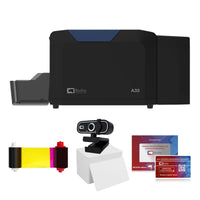 vs.
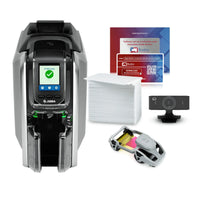

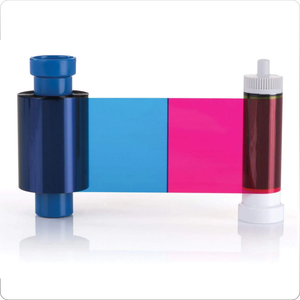
 CR80 30 mil PVC cardsFrom $3.99
 Adhesive-backed PVC cardsFrom $9.99
 Proximity cards (NoMativ)From $369.00
 NTAG NFC cards, 100 packFrom $59.00
 Buy the softwareDesign and print ID cards on PC and Mac
Move Bodno to a new computer
Your activation code moves with you. Deactivate it on the old computer, then activate the same code on the new one.
- Same activation code, nothing to buy
- About 5 minutes if the old computer still works
- Old computer gone? We'll release the code for you

What's going on with your old computer?
Pick the one that fits. We'll walk you through it step by step.
Have a USB key instead of a code? Most printers from 2017 to 2023 came with one. There's nothing to release: install Bodno on the new computer and plug the key in. This page is for activation codes.
We'll release your code
Seeing "License maximum activations reached"? It means the code is still tied to the old computer. Releasing it fixes that.
For an old computer that's broken, wiped or gone. Your activation code is all we need. It's usually released within 3 hours on weekdays (9 AM to 6 PM Eastern). Sent at night or on a weekend? It's released the next business day.
Old computer still opens? , no waiting.
Nothing else to do: we've passed it to tech support and they'll email you. Rather talk now? Call (732) 987-5300, Monday to Friday, 9 AM to 6 PM Eastern, or use the chat in the corner.
What happens next
Done · On the new computer
You're all set
Bodno is active on your new computer. Print a test card. If there's no watermark, it worked.
- Copy your card designs and Excel files over too. They aren't part of the license.
- Next time, deactivate before you replace, reset or rename a computer. It's instant, and deactivating it yourself never counts as a release.
Where to find your activation code
The easiest place is Bodno itself, the same window you deactivate from. It's five groups of four, like A41C-9E07-5B3D-22F8-C610.
Rather have a tech do it with you? Call (732) 987-5300, Monday to Friday, 9 AM to 6 PM Eastern, or use the chat in the corner.
