Bodno A10From $995
 Bodno A20From $1,595
 Bodno A30From $1,995
 Bodno A40 ProFrom $2,995
 vs.
vs.



 CR80 30 mil PVC cardsFrom $3.99
 Adhesive-backed PVC cardsFrom $9.99
 Proximity cards (NoMativ)From $14.99
 NTAG NFC cards, 100 packFrom $59.00
 Buy the softwareDesign and print ID cards on PC and Mac





On this page
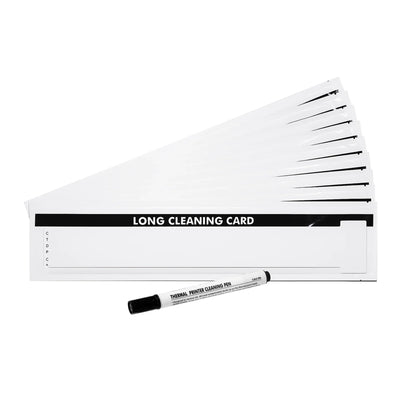
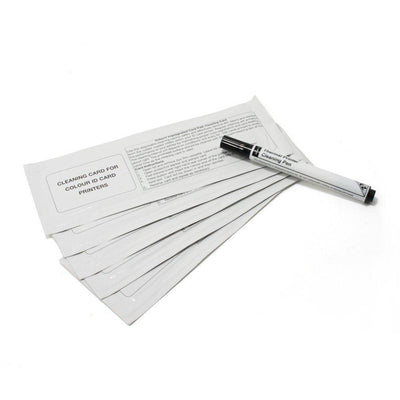
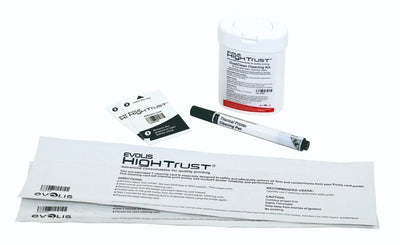
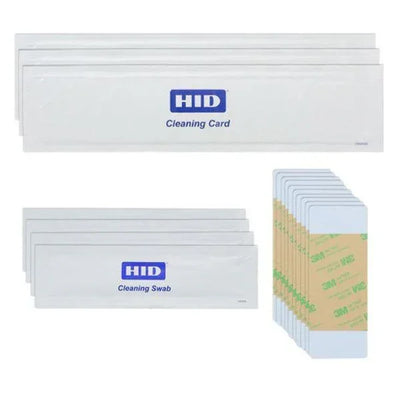
Have you recently noticed a white line along the length of an ID card while printing one? If yes, it might be caused due to an issue with the printhead. This can be easily confirmed while printing a group of ID cards. The white line will appear on the same location on every card that you print with the faulty ID card printer. How do you fix this issue? The easiest method would be to replace the printhead. However, before that, you can try cleaning your ID card printer to see if the issue is resolved.
If the issue persists even after cleaning the printer, then you will need to buy a new printhead. Most ID card printer printheads cost between 500 to 1000 dollars, and if the ID card printer that you are using is out of warranty, it might be a good idea to buy a new printer. Investing in a new card printer can be more sensible than replacing the parts of an old ID card printer that is out of warranty. However, if your ID card printer is under the warranty, you might be able to get the printhead replaced by its manufacturer.
However, your investment in the new printhead or the printer needs to be protected. The steps shared below can help maximize the life of the printhead of ID card printer.
Clean Often
Make sure to clean your ID card printer regularly. It will be a good idea to clean your ID card printer every time you install a new ribbon. Routine cleaning can ensure optimal quality of images and increased life of your ID card printers.
Remove Jewelry
Before opening the printer cover, make sure to remove all jewelry from your wrists and hands. This is because your jewelry could accidentally bump with the printhead and damage it.
Handle Unprinted Cards Carefully
Make sure to clean your hands before opening and loading cards to the ID printer. Hold the cards by touching the sides or edges and do not touch the bottom or top surfaces of the card that gets printed. If you accidentally drop a card on the floor before printing, do not use it. Discard it and use another unprinted card instead.
Use Graphic Quality Cards
Graphic quality cards are inspected thoroughly when packaged to ensure that they are clean. Make sure to keep the shrink-wrap on the cards until they are used for printing and loaded into the ID card printer.
Tell our support team your printer model and what you see on the screen, and we'll help you get printing.