Bodno A10From $995
 Bodno A20From $1,595
 Bodno A30From $1,995
 Bodno A40 ProFrom $2,995
 vs.
vs.



 CR80 30 mil PVC cardsFrom $3.99
 Adhesive-backed PVC cardsFrom $9.99
 Proximity cards (NoMativ)From $14.99
 NTAG NFC cards, 100 packFrom $59.00
 Buy the softwareDesign and print ID cards on PC and Mac





On this page
ID card printer problems can create all sorts of trouble and can become a reason for frustration when you need to get your cards printed quickly. ID card printers are complex machines that contain a lot of moving parts, and running into errors is bound to happen at some point.
Fortunately, most of the common ID card printer problems can be resolved by following some simple troubleshooting steps. Below are three of the most frequently experienced ID card printer problems and ways to fix them.
White Lines Appearing on the ID Cards
Getting a white line on the ID cards is one of the most dreadful issues that can crop up at any time when you are running the machine. It generally appears as a vertical line that runs through the entire face of the ID card. While it may look like a printed white line, it actually is an area where there is no print at all.
The blank areas on the cards mean that your ID card printer has a broken pixel in the printhead, which is preventing it from printing on the specific area of the card. So you will need to replace the printhead to fix this problem.
Blemishes or Spots on the ID Cards
ID card printer manufacturers use many terms, such as bumps, halos, bullseyes, ripples, etc., to refer to this problem. These surface imperfections are generally caused due to the dust and dirt on the ID cards when you feed them to the printer. The debris on the card surface prevents the printhead to apply the ink to the card evenly, thus causing the blemishes.
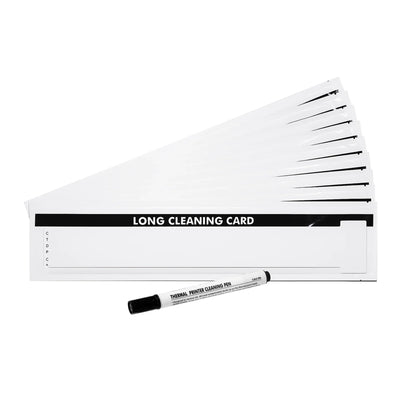
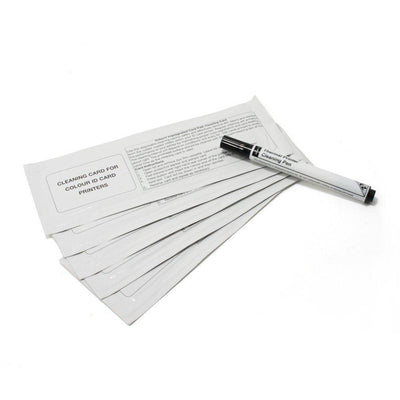
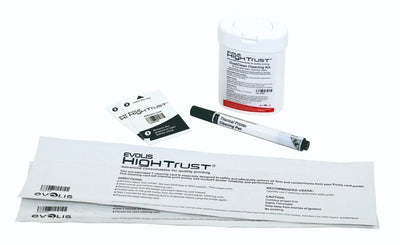
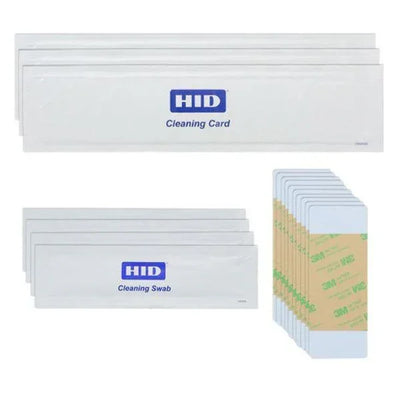
A simple solution to resolve this issue will be to store the blank cards in a clean place and ensure that they are free of any dust, dirt, or lint when being fed to the ID card printer. You should also clean your printer regularly to avoid running into botched print problems. Take a look at our ID card printer cleaning supplies to find a kit appropriate for your printer.
ID Card Jams at the Start of a Print Job
ID card printer jams are possibly the most common problem faced by users. It can be near the input hopper or at the start of the print job. In any case, it denotes that there is something wrong with the rollers inside the ID card printer.
Typically, ID card printer rollers are somewhat sticky to have enough traction to pull the cards toward the printhead and push them to the output hopper. Yet if the rollers become too sticky or lose their stickiness, then they can lead to card jams and stop the process. This problem can be resolved by cleaning your ID card printer rollers; just make sure that you do not remove all of the stickiness from them.
If you’ve tried these steps and your problem persists, visit our support page to find support for your printer or to get help from an expert!
You can find our ID Printer Cleaning Supplies here: ID Printer Cleaning Supplies
Tell our support team your printer model and what you see on the screen, and we'll help you get printing.