

 Bodno A10From $995
 Bodno A20From $1,595
 Bodno A30From $1,995
 Bodno A40 ProFrom $2,995
 vs.
vs.

 CR80 30 mil PVC cardsFrom $3.99
 Adhesive-backed PVC cardsFrom $9.99
 Proximity cards (NoMativ)From $14.99
 NTAG NFC cards, 100 packFrom $59.00
 Buy the softwareDesign and print ID cards on PC and Mac
On this page
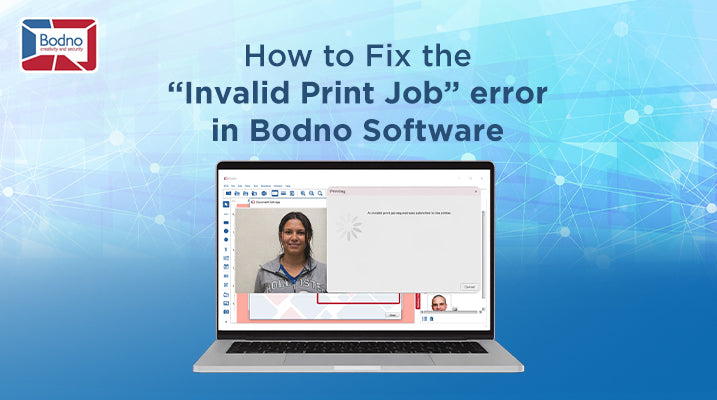
Encountering an "Invalid Print Job" error in your Bodno software? This issue commonly occurs when there’s a miscommunication between your printer, software, or connected database. Follow these straightforward troubleshooting steps to quickly resolve this error:
Step-by-Step Solution:
-
Check Printer Visibility
-
Navigate to your computer’s Printers and Scanners settings.
-
Ensure your printer is visible and correctly connected. If not, update your printer drivers.
-
-
Perform a Test Print
-
In Bodno, select your printer carefully.
-
Run a simple test print to confirm the printer is functioning correctly.
-
-
Reconnect the Database (if applicable)
-
If you’re using a connected database (Excel, CSV, or other), disconnect it temporarily.
-
Reconnect the database, then attempt another test print.
-
-
Test Without the Database
-
If the issue remains, completely disconnect your database from Bodno.
-
Attempt another test print directly from Bodno without database integration.
-
-
Diagnose Database Issues
-
If the print job works without the database, your database connection or data entries may have errors.
-
Review and verify all database entries and settings carefully.
-
Following these steps typically resolves the "Invalid Print Job" error quickly and efficiently. Should the issue persist, please contact our dedicated support team for personalized assistance.
Tell our support team your printer model and what you see on the screen, and we'll help you get printing.