


 Bodno A10From $995
 Bodno A20From $1,595
 Bodno A30From $1,995
 Bodno A40 ProFrom $2,995
 vs.

 CR80 30 mil PVC cardsFrom $3.99
 Adhesive-backed PVC cardsFrom $9.99
 Proximity cards (NoMativ)From $369.00
 NTAG NFC cards, 100 packFrom $59.00
 Buy the softwareDesign and print ID cards on PC and Mac

On this page
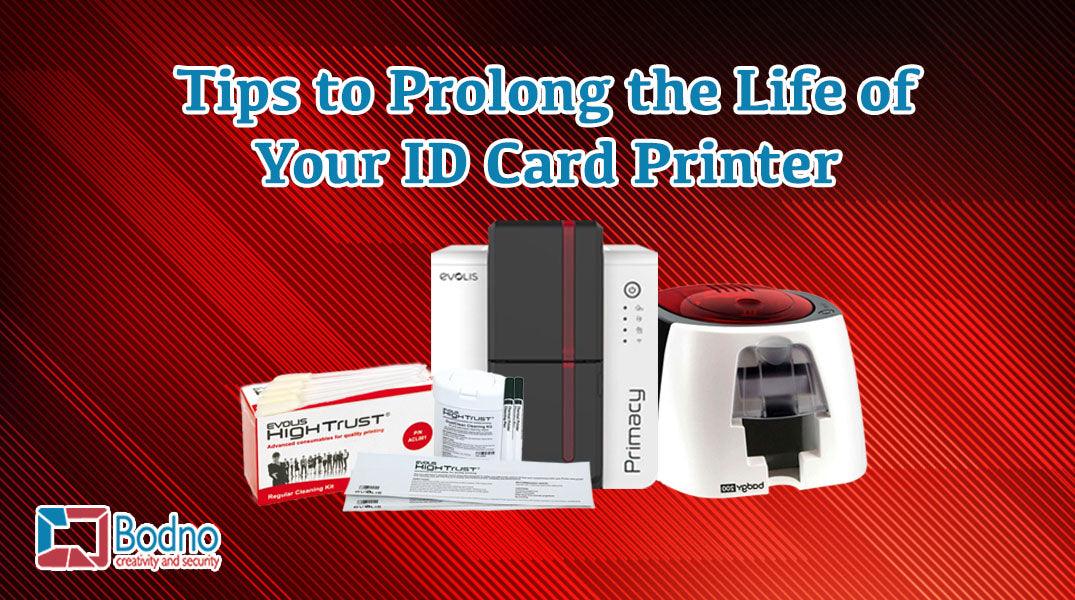
At Bodno, we understand that your ID card printer is an investment, and ensuring its longevity is crucial for maximizing its value. Proper maintenance can significantly extend the life of your printer, ensuring it delivers high-quality prints for years. Here are our comprehensive tips to help you keep your ID card printer in top condition.
-
Clean the Printer Regularly

Regular cleaning is paramount to maintaining your ID card printer. Dust and debris can accumulate inside, potentially damaging the print head and disrupting the card rollers and sensors. Cleaning your printer only takes a few minutes and is crucial to its longevity.
Use cleaning supplies specified for your printer model. Bodno makes cleaning kits for many printer brands, and each product page lists the printer models it is compatible with; our Supply Finder tool can help you find the right one. Ideally, clean your printer every time you change the ribbon. This is convenient as you already have the printer open. For detailed cleaning instructions, visit our Technical Support section for guides and videos.
-
Handle Blank Cards with Care

Proper handling of blank cards is essential to avoid contamination that can affect print quality. Always pick up blank cards by the edges to prevent transferring oils and dirt from your hands to the card surface, which could dirty the printhead and rollers.
For best practices, wash your hands before handling the cards and consider wearing gloves. This precaution ensures that the cards remain clean, which in turn keeps your printer clean and extends its lifespan. Check out our Cardstock Care PDF for more tips on handling and storing blank cards.
-
Store the Printer and Supplies Properly
Environmental factors like dirt, dust, and moisture can cause significant issues for both your printer and supplies. To prevent damage, store your ID card system in a clean, dry environment. Keep supplies such as ribbons and blank cards in their original packaging and place them in an additional protective container to shield them from dust and spills.
Using cases and covers can protect your printer during transportation and while it’s not in use. Explore our range of printer cases for various models such as Magicard, Fargo, Evolis, and Zebra to ensure your equipment remains safeguarded.
-
Use Recommended Supplies
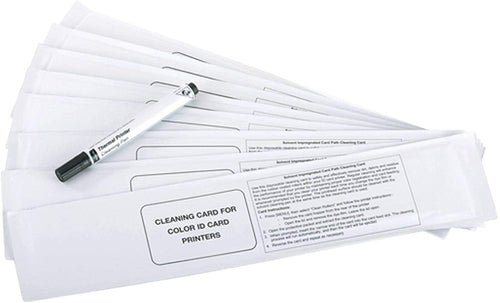
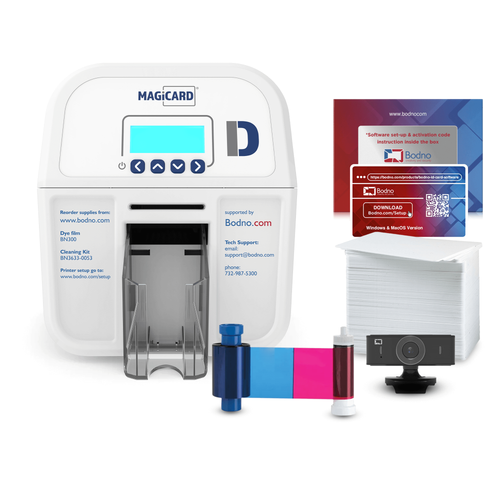
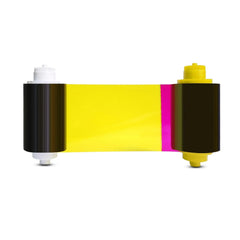
Using supplies specified for your printer model is crucial for maintaining your printer. Ribbons, cards, or cleaning supplies that don't match your printer's specifications can damage components such as rollers, sensors, and the printhead. Bodno makes cleaning supplies for many printer brands, compatible with the models listed on each product. Follow your printer's cleaning procedure, and for warranty coverage, check your printer's own warranty terms.
Always use supplies specified for your printer model. This ensures compatibility and prevents costly repairs that may arise from using incompatible products. Bodno’s Supply Finder tool can help you quickly identify the right supplies for your specific printer model.
-
Update Firmware and Software

Keeping your printer’s firmware and software up-to-date can enhance performance and fix known issues. Manufacturers release updates that can optimize printer operations and extend the lifespan of your device. Regularly check for updates and install them to ensure your printer operates smoothly.
-
Maintain a Stable Environment
Ensure your printer is placed in a stable environment free from extreme temperatures, humidity, and vibrations. A stable, level surface is essential to prevent operational disruptions. Avoid placing your printer near windows or in direct sunlight to prevent overheating and other environmental damage.
-
Schedule Regular Maintenance
Follow a scheduled maintenance routine as recommended by the manufacturer. Regular inspections and timely replacement of worn-out parts can prevent minor issues from escalating into major problems. Adhering to a maintenance schedule helps in keeping your printer in optimal condition for longer.
By following these detailed tips, you can ensure your ID card printer serves your business effectively for many years. At Bodno, we offer all the supplies and accessories you need to maintain your printer, from cleaning kits and blank cards to protective cases and genuine ribbons. Trust Bodno for all your card printing needs, providing premium quality products at affordable prices tailored for small to medium-sized companies.
For more information and to find the right supplies for your printer, contact us today!
Answer a few questions and we'll send you the right printer, with a quote. Or compare any two side by side.


