Bodno A10From $995
 Bodno A20From $1,595
 Bodno A30From $1,995
 Bodno A40 ProFrom $2,995
 vs.
vs.



 CR80 30 mil PVC cardsFrom $3.99
 Adhesive-backed PVC cardsFrom $9.99
 Proximity cards (NoMativ)From $14.99
 NTAG NFC cards, 100 packFrom $59.00
 Buy the softwareDesign and print ID cards on PC and Mac






Bodno
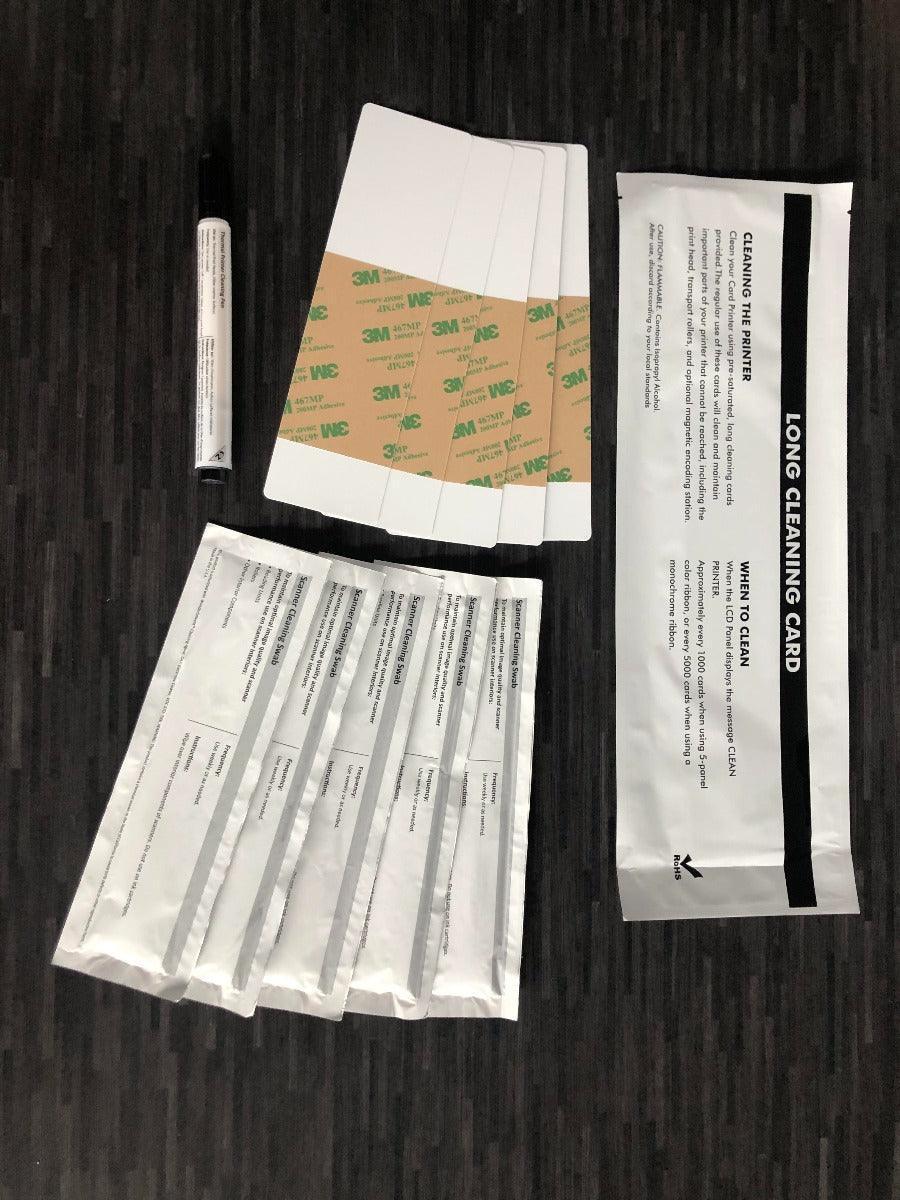
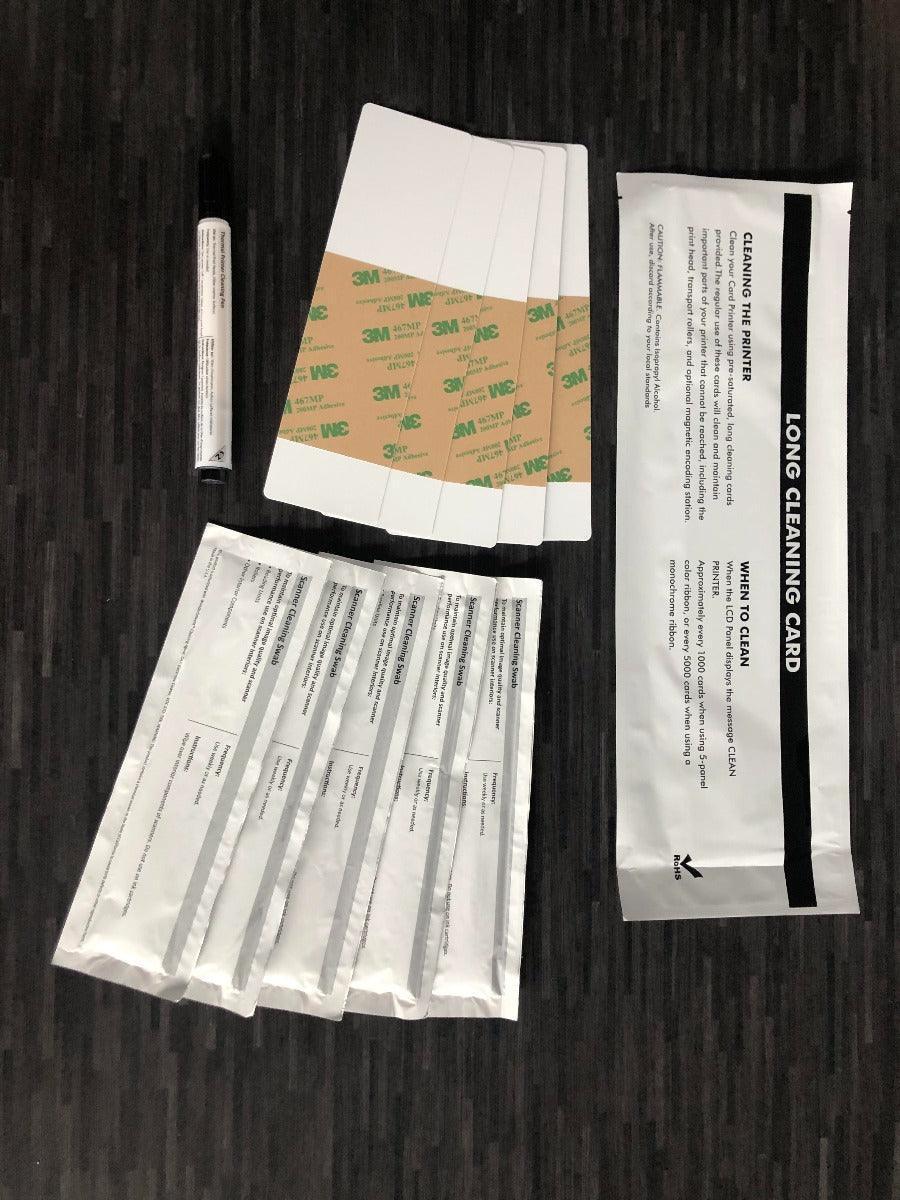
Bodno Service Cleaning Kit for Matica MC320X – 5 T-Cards, 5 Sticky Cards & Pen (Matica PR20309601 Compatible)
✓ Fits Matica MC320 · See compatible printers
Compatible with
Don’t see your printer? Find your printer’s supplies or call (732) 987-5300.
Customers also buy
Specifications
| Brand | Bodno |
|---|---|
| Part number | PR20309601 |
| Fits | Matica MC320 |
About this product
The Bodno service cleaning kit for the Matica MC320X includes 5 T-cards, 5 sticky cleaning cards and 1 cleaning pen to keep the printhead and card path clean. Made by Bodno.
Run a cleaning card each time you change the ribbon or when the printer prompts for cleaning, and follow your printer's cleaning procedure.
- Brand: Bodno
- Compatible printers: Matica MC320, MC320X
- Contents: 5 cleaning T-cards, 5 sticky cleaning cards, 1 cleaning pen
- Cross-reference: Matica PR20309601 compatible
Common questions
Which printers does this fit?
It fits the Matica MC320. Not sure which printer you have? Email sales@bodno.com and we’ll confirm it before you order.
What is the part number on each kit?
It’s the printer maker’s own cleaning kit number, such as Magicard 3633-0053 or Zebra 105999-310. Bodno kits are made to replace the kit with that number, so you can match it to the kit you bought before.
Why is compatibility so important?
Each printer has its own cleaning protocol and internal design. Using the wrong kit can lead to ineffective cleaning—or even damage. Bodno’s kits are matched to manufacturer specifications, so you get safe, thorough maintenance every time.
When should I clean my printer?
Every time you change the ribbon, you should run a cleaning cycle using a Bodno-approved cleaning kit. This helps prevent dust buildup, streaks, and misprints. It only takes a minute and keeps your printer running like new.
Skipping cleaning can lead to poor print quality, ribbon jams, and even damage to the printhead over time. It’s a small step that makes a big difference—especially if you’re printing cards daily or in batches.
Is this worth it for my team or organization?
Absolutely. A cleaning kit costs a fraction of what a repair or replacement would. For budget-conscious teams, it’s one of the smartest ways to extend your printer’s life and maintain professional-quality ID cards.