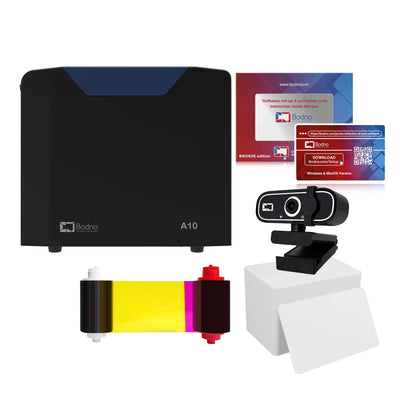
Bodno A10From $995
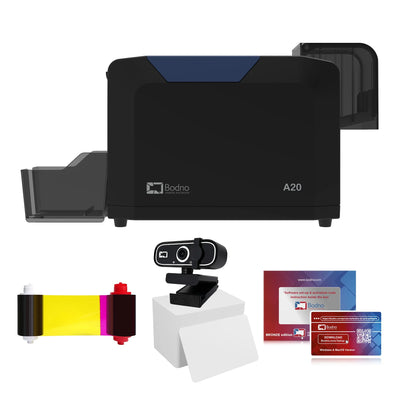
 Bodno A20From $1,595
 Bodno A30From $1,995
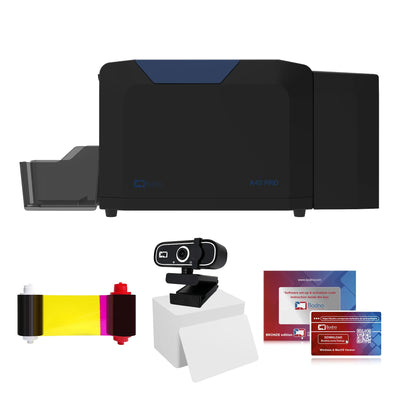
 Bodno A40 ProFrom $2,995
 vs.
vs.



 CR80 30 mil PVC cardsFrom $3.99
 Adhesive-backed PVC cardsFrom $9.99
 Proximity cards (NoMativ)From $14.99
 NTAG NFC cards, 100 packFrom $59.00
 Buy the softwareDesign and print ID cards on PC and Mac




On this page
Bodno A-Series Help · Power
A printer that will not start, or that reaches Ready and then starts over, is far more often a power adapter problem than a printer problem. You can tell which in about two minutes.
Plug the adapter straight into the wall and watch its light. Off: adapter or outlet. Dims or blinks as the printer restarts: the adapter is failing and we will replace it. Steady but the printer is dead: send us a short video.
Look at the adapter first
The power brick has its own small light, and it tells you most of what you need. Plug the adapter straight into a wall outlet you know works (no power strip or UPS), push both connectors in firmly, and watch it.
Use only the adapter that came with it
Laptop and spare-drawer adapters often fit the same plug. In one of our cases a printer powered on and looked normal, then jammed every card; the adapter on the desk could not supply the voltage the printer needs. Compare the label on the adapter with the label on the printer, or send us a photo of both.
If it restarts in a loop
Record 20 seconds on your phone with the adapter light and the printer screen both in view while it restarts. That one video is usually all we need to ship a replacement adapter.
If the adapter light is steady and the printer still shows nothing, do not open it. Send the video and serial number and we will take it from there.
Write to us with these and we can answer the same day
Most cases go back and forth an extra time only because we have to ask for these. Put them in your first message:
- The serial number from the label on the back of the printer
- Your model: A10, A20, A30 or A40 Pro
- A screenshot of the printer information screen in the driver (it shows the firmware and driver version)
- A photo of the label on the power adapter
- A short video showing the adapter light and the printer screen together
- Whether the adapter has been replaced before, and when
Written by Bodno Tech Support from real A-Series support cases. Last reviewed October 2026.
Tell our support team your printer model and what you see on the screen, and we'll help you get printing.