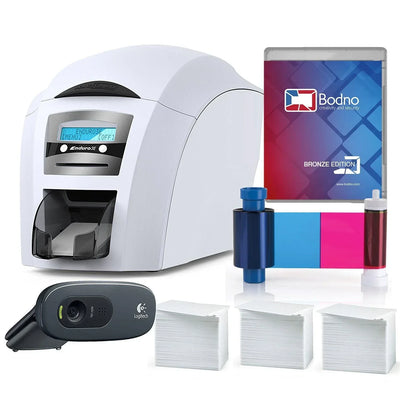
Bodno A10From $995
 Bodno A20From $1,595
 Bodno A30From $1,995
 Bodno A40 ProFrom $2,995
 vs.
vs.



 CR80 30 mil PVC cardsFrom $3.99
 Adhesive-backed PVC cardsFrom $9.99
 Proximity cards (NoMativ)From $14.99
 NTAG NFC cards, 100 packFrom $59.00
 Buy the softwareDesign and print ID cards on PC and Mac





On this page
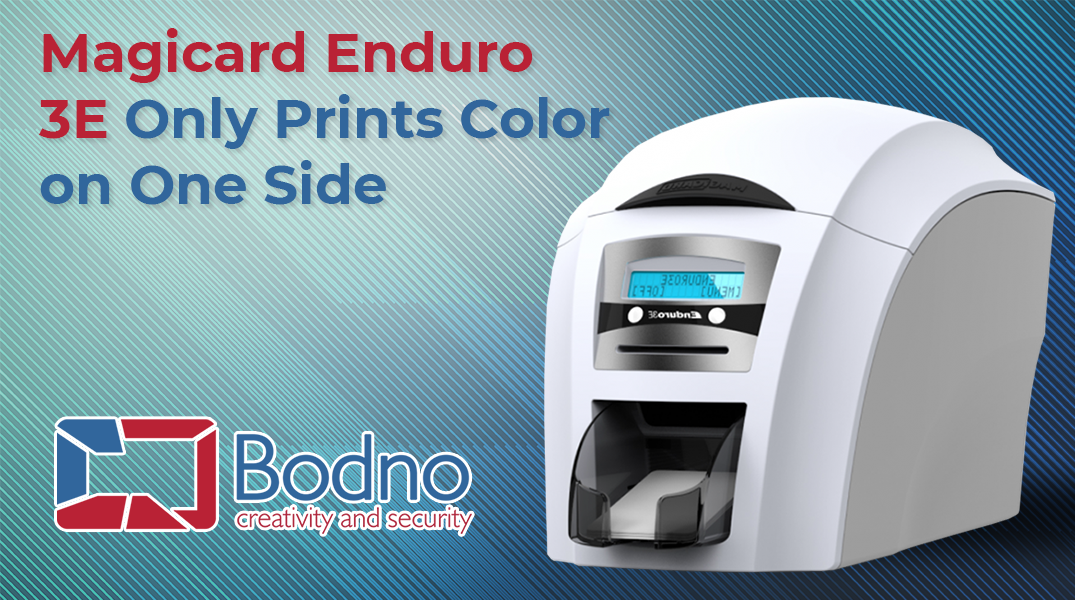
Magicard Enduro3E is a powerful, reliable, and robust ID card printer, which offers amazing features to print identity cards, employee badges, visitor passes, etc. It can be used for a wide range of applications in schools, colleges, as well as medium-sized businesses, which typically require printing around 10,000 cards per year. It comes with an easy-to-use interface and supports USB and Ethernet connectivity as standard to further simplify the ID card printing process.
Enduro3E is a versatile and flexible ID card printer. It is compatible with Windows 7 and higher versions as well as with Mac OS X. In addition, it also supports a wide range of encoding features to boost the security of the ID cards. You can use magnetic stripe encoding or smart card encoding options with Magicard Enduro3E as per your requirements as well.
The ID card printer comes with an interchangeable 100-card feeder that allows you to batch print ID cards. At the same time, it also supports printing one card at a time or rewrite ID cards using its hand-feed card slot. You can even upgrade the ID card to dual-sided printing by updating the dye film and making a few changes in the settings of Magicard Enduro3E ID card printer.
How to Enable Double-Sided Printing on Magicard Enduro3E
Dual-side printing allows you to include more elements on the ID cards, such as the cardholder’s address, your company’s branding, photos, barcodes, QR codes, etc. However, you would have to enable the dual-sided printing feature on your computer to use the option in Magicard Enduro3E.
If you were using a Windows computer, open the Control Panel on your PC and go to the Devices and Printers folder. Locate and right-click on the Magicard Enduro3E ID card printer listed there. Select Printing Preferences from the pop-up menu and move to the Duplex Printing section. Change the option there to Both Sides, and then click Apply, followed by OK. This would enable dual-sided printing on the ID cards hereafter.
If you were using a Mac, open the ID card design that you want to print using the Magicard Enduro3E ID card printer. Click on the Print button, and choose Advanced Options in the next screen. Select Printer Features from the drop-down menu and change the option under Duplex Printing to Both Sides. Choose Save Current Settings as Preset option and click OK. This would save the settings as default, and allow you to print double-sided ID cards easily in the future.
Tell our support team your printer model and what you see on the screen, and we'll help you get printing.