Bodno A10From $995
 Bodno A20From $1,595
 Bodno A30From $1,995
 Bodno A40 ProFrom $2,995
 vs.
vs.



 CR80 30 mil PVC cardsFrom $3.99
 Adhesive-backed PVC cardsFrom $9.99
 Proximity cards (NoMativ)From $14.99
 NTAG NFC cards, 100 packFrom $59.00
 Buy the softwareDesign and print ID cards on PC and Mac

Your Cart is Empty.
Let’s Find Your Perfect Printer!
Free Shipping on Orders of $100 or More

Free Shipping on Orders of $100 or More
Used by 75,000+ businesses
Lifetime expert support included
Over 50 million cards printed
Your Cart (0)
Your Cart is Empty.
Let’s Find Your Perfect Printer!
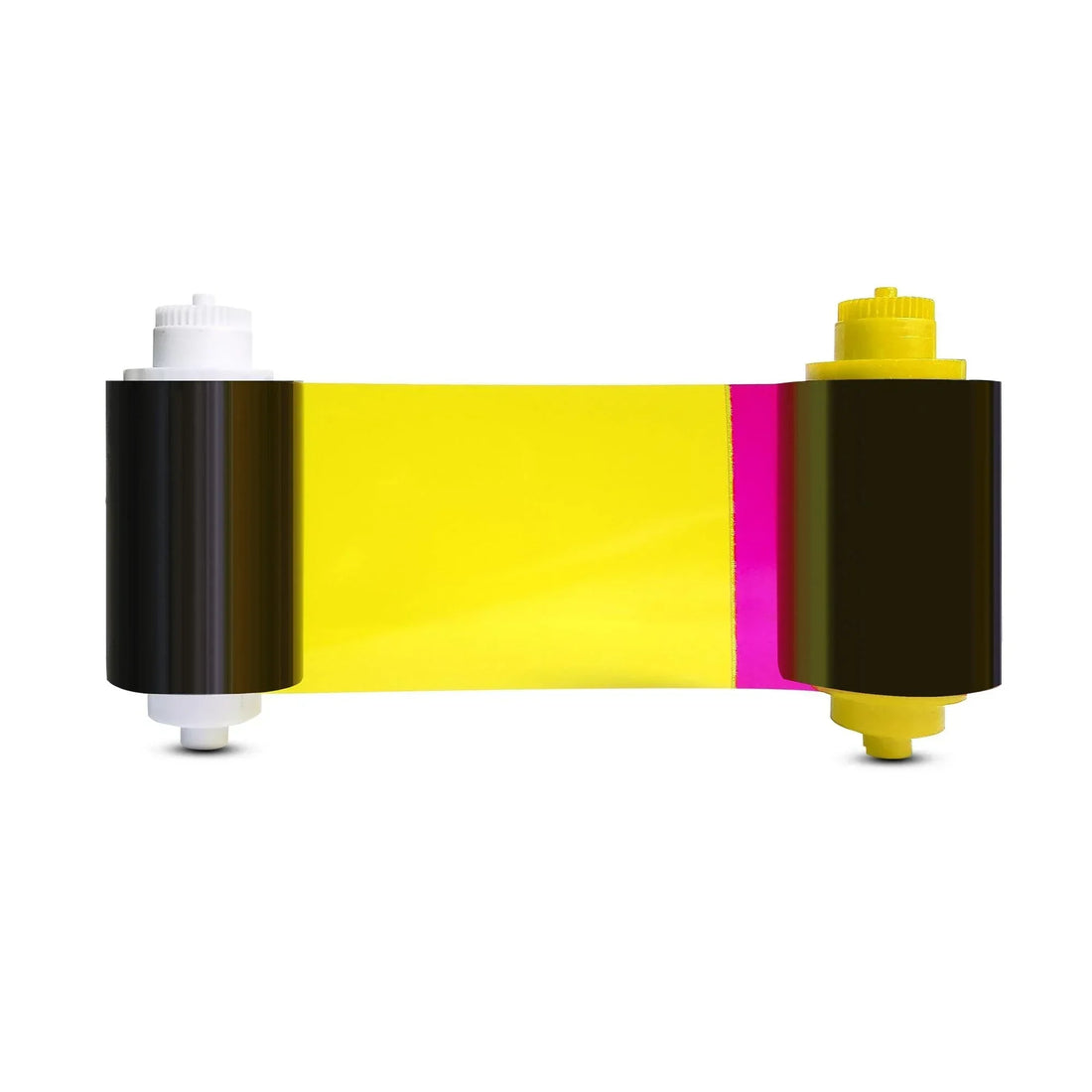
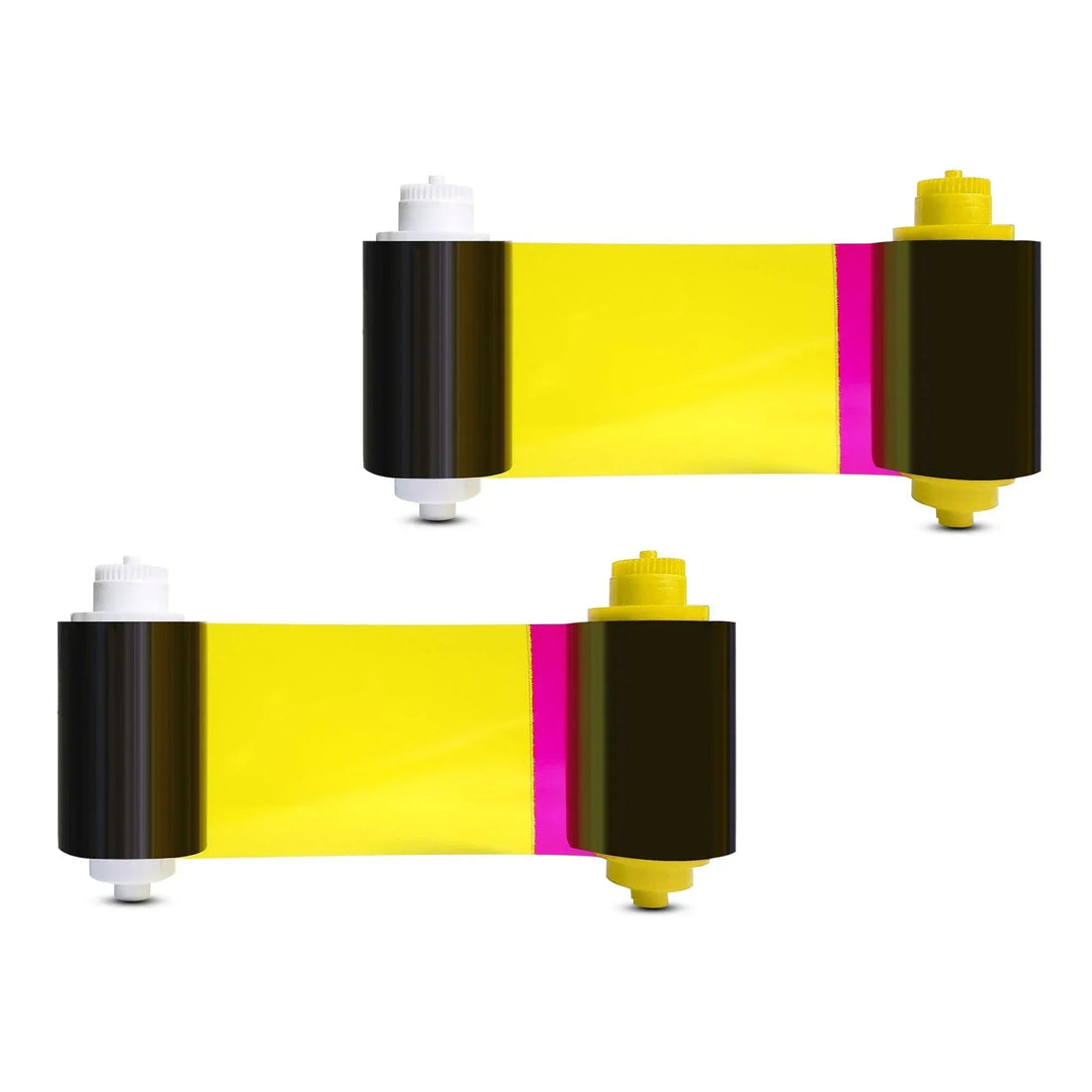
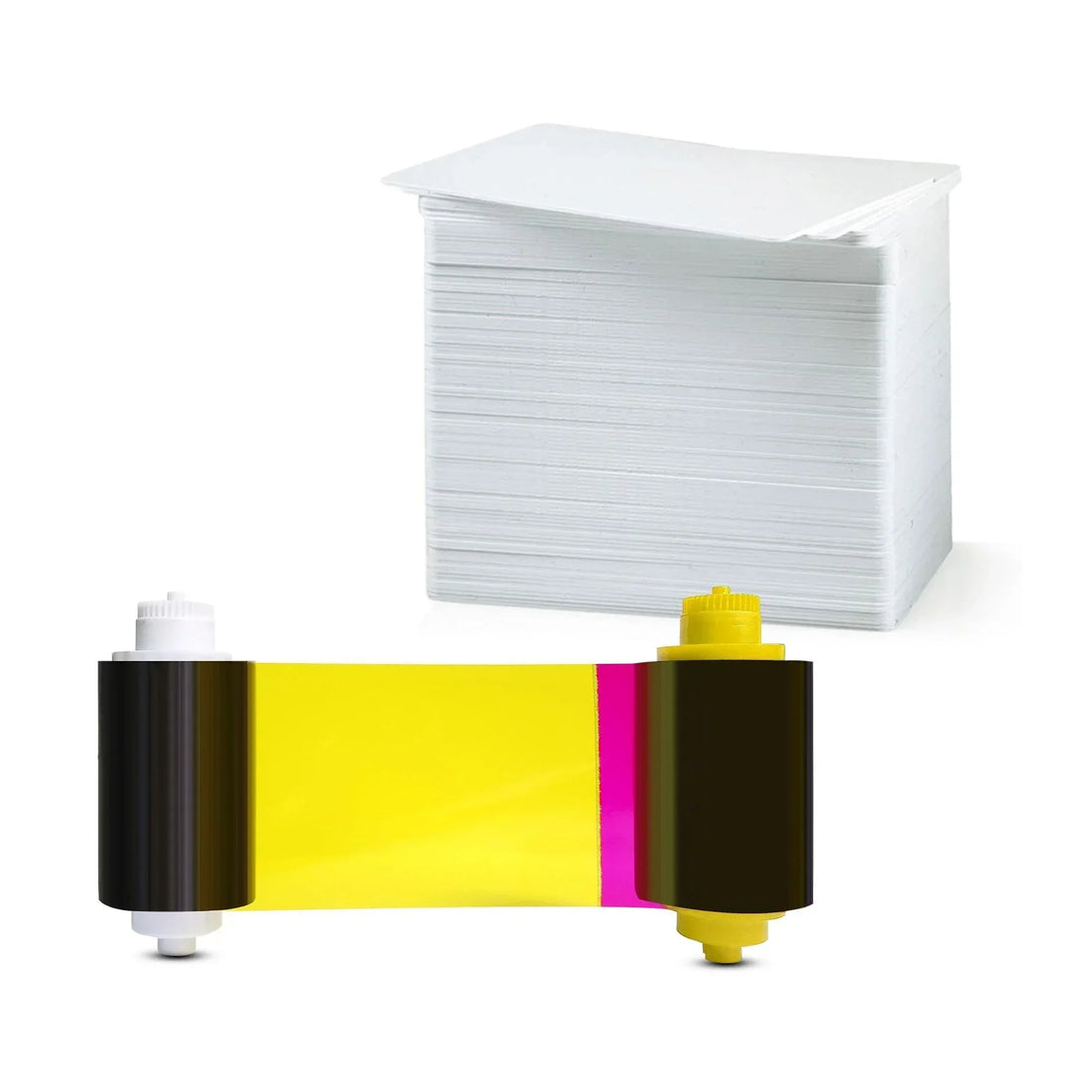
Seaory
YMCKO
✓ Fits Seaory S26, Seaory S28 · See compatible printers
Compatible with
Don’t see your printer? Find your printer’s supplies or call (732) 987-5300.| Brand | Seaory |
|---|---|
| Part number | 17031 |
| Panels | YMCKO |
| Fits | Seaory S26, Seaory S28 |
The Seaory 17031 color ribbon is the perfect solution for creating sharp, high-quality ID cards. With the ability to print up to 300 single-sided or 150 double-sided full-color cards, this ribbon is designed for efficiency and professional results. Whether you're printing employee badges, membership cards, or student IDs, the Seaory 17031 delivers crisp, vibrant images and text with resolutions up to 300 x 1200 DPI.
Installation is quick and simple, making it easy to load into your Seaory S26 or S28 printer. Plus, its built-in overlay protects your cards from fading, scratches, and daily wear, ensuring long-lasting durability. Best of all, the Seaory 17031 offers a cost-effective, high-capacity printing solution for businesses looking to save on supplies without compromising on quality.
Y, M and C (yellow, magenta and cyan) print the full-color picture. K prints sharp black text and barcodes. O lays a clear overlay over the card to protect it. Together they print full color on one side of the card.
It fits the Seaory S26, Seaory S28. Not sure which printer you have? Email sales@bodno.com and we’ll confirm it before you order.
300 single-sided cards per ribbon. If you print color on both sides on an S28, each card uses two prints, so one ribbon makes 150 two-sided cards.
No. The 17031 fits the Seaory S26 and S28. The S25 uses the 11011. The two are not interchangeable, and the wrong one causes ribbon errors.
Error 48 means the printer cannot read the ribbon’s color panels, and it is almost never a broken printer. Reseat the ribbon so it is snug but not tight, check the gear on the end of the spool for missing teeth, then calibrate the ribbon LED with the ribbon out and the cover closed: Printing preferences → Tool → Calibrate Ribbon LED. Step by step: Error 48 fix for the S25, S26 and S28.
Where it tears tells you why. If the printer’s test chart tears it too, the print is running past the card edge: reset Position Calibrate to factory default, then set L to +3. If only your own design tears it, turn on Rotate 180° and keep solid dark color off the card edge. A spool gear with missing teeth (replace it with a 16300 ribbon gear) and coated inkjet cards also tear ribbons. Full guide: Ribbon keeps breaking.
Large solid dark areas are the hardest thing for a direct-to-card printer. Lower the ribbon supply tension by 3 (Printing preferences → Tool → Ribbon supply tension), try Rotate 180°, and lighten the background slightly if you can. More fixes: Streaks, faded prints or wrong colors.
No. A card that has been through the printer has a clear overlay on it, even if it looks blank, and the ribbon will stick to it and tear.
Yes. Run a cleaning card and wipe the printhead at every ribbon change, and sooner if specks or lines show up. The CC001 cleaning kit has the card, swab and cloth. How to: clean the S25, S26 and S28.
Unopened ribbons can last 18–24 months when stored properly. Keep them sealed in original packaging, in a cool, dry place away from sunlight or humidity to preserve print quality.