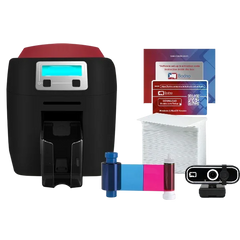
Bodno A10From $995
 Bodno A20From $1,595
 Bodno A30From $1,995
 Bodno A40 ProFrom $2,995
 vs.
vs.



 CR80 30 mil PVC cardsFrom $3.99
 Adhesive-backed PVC cardsFrom $9.99
 Proximity cards (NoMativ)From $14.99
 NTAG NFC cards, 100 packFrom $59.00
 Buy the softwareDesign and print ID cards on PC and Mac

Your Cart is Empty.
Let’s Find Your Perfect Printer!
Free Shipping on Orders of $100 or More

Free Shipping on Orders of $100 or More
Used by 75,000+ businesses
Lifetime expert support included
Over 50 million cards printed
Your Cart (0)
Your Cart is Empty.
Let’s Find Your Perfect Printer!
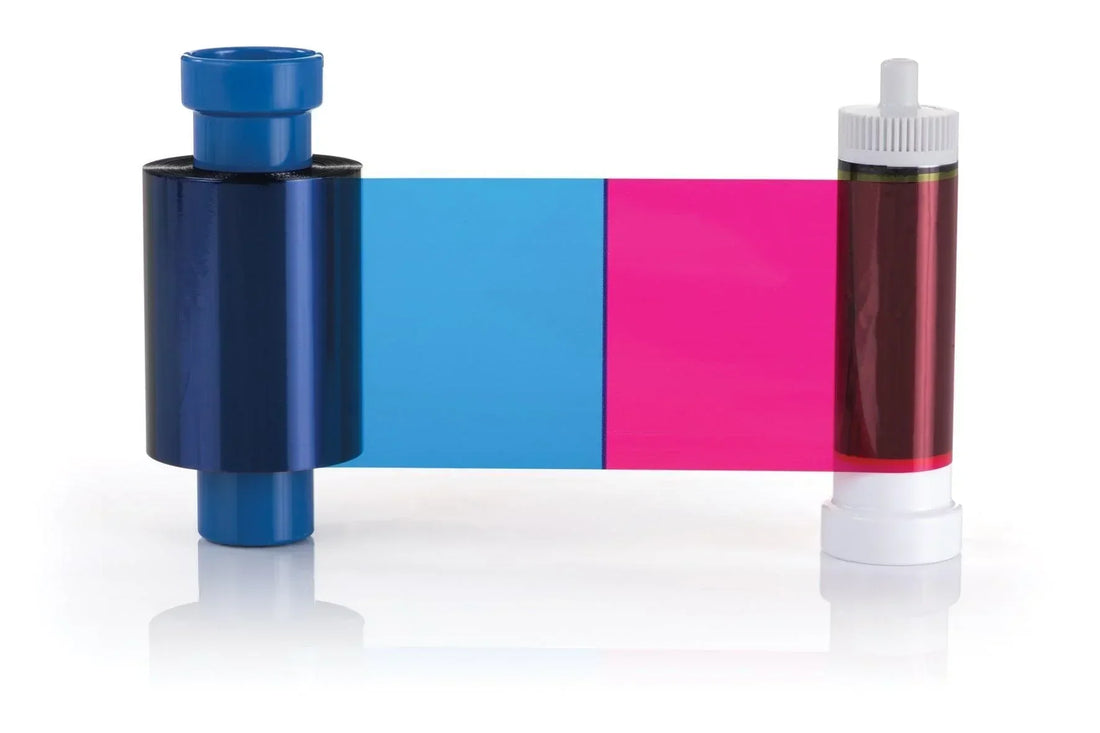
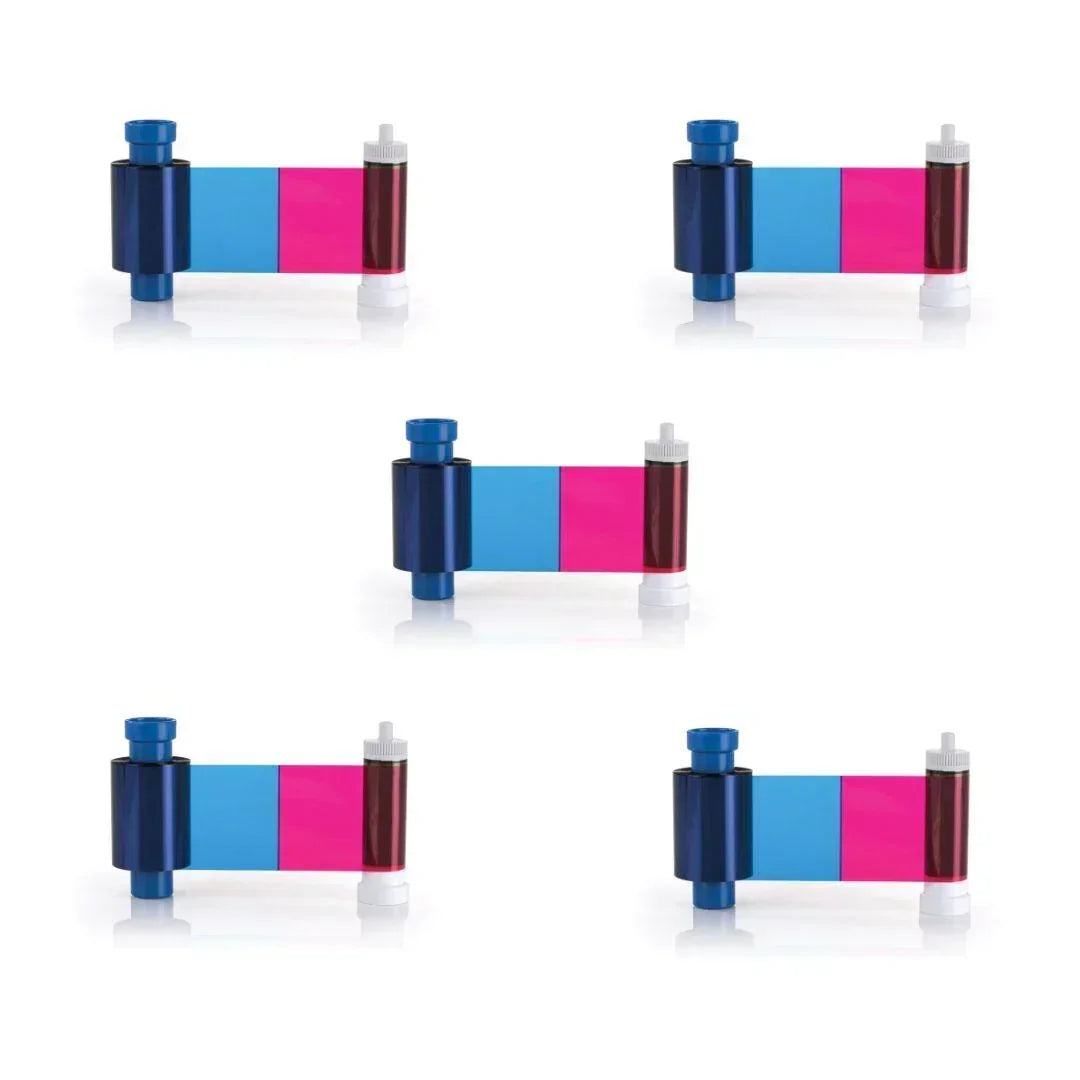
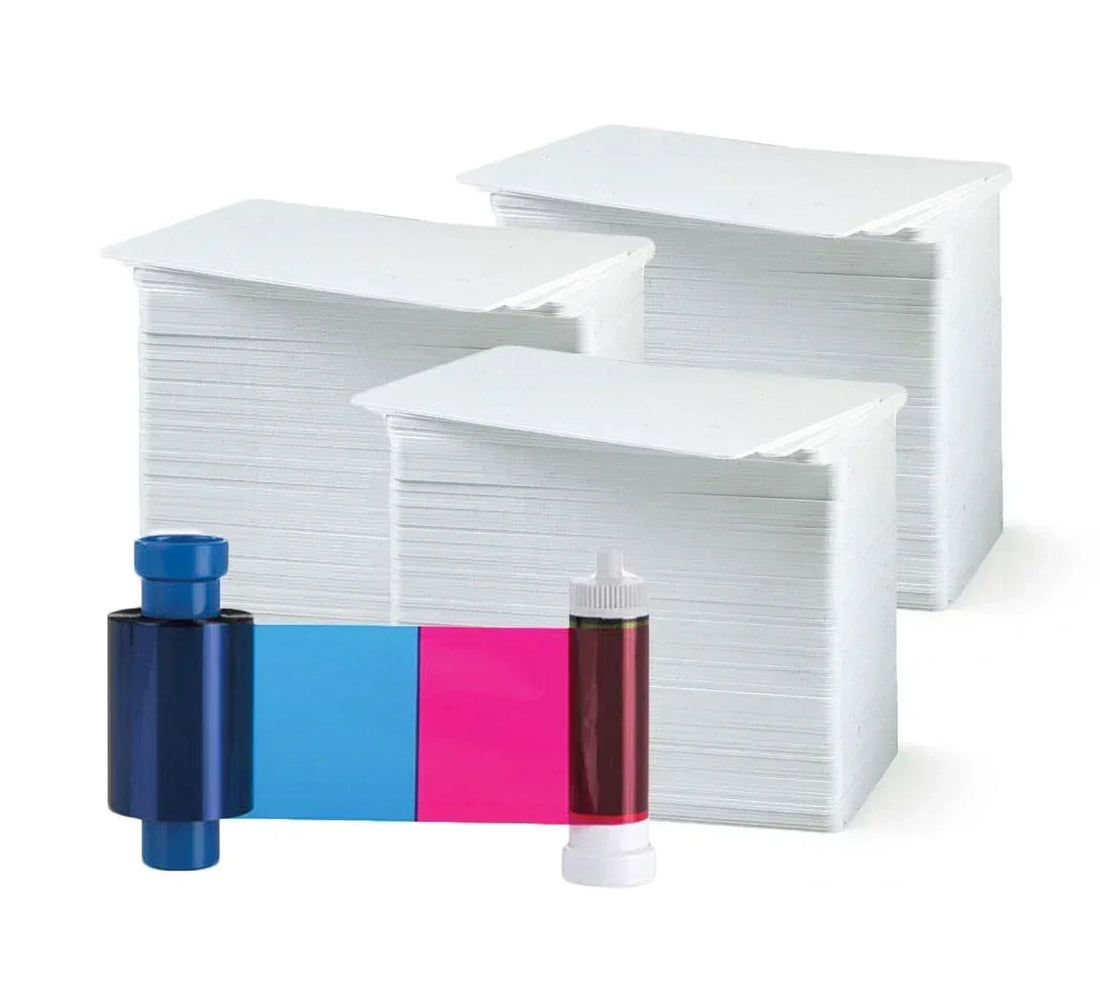
Magicard
YMCKO · 300 prints
✓ Fits Magicard 400X · See compatible printers
Compatible with
Don’t see your printer? Find your printer’s supplies or call (732) 987-5300.| Brand | Magicard |
|---|---|
| Part number | XM300YMCKO-PWHITE300 |
| Panels | YMCKO |
| Prints per roll | 300 prints |
| Fits | Magicard 400X |
The Magicard XM300YMCKO Color Ribbon is specifically designed for the Magicard 400X Dual-Sided ID Card Printer, delivering vibrant, professional-quality ID cards. With a full-color YMCKO format, it produces up to 300 high-resolution single-sided prints or 150 dual-sided prints per ribbon, making it ideal for medium-volume printing needs.
Key Features:
Vibrant Full-Color Printing: YMCKO (Yellow, Magenta, Cyan, Black, Overlay) ribbon provides brilliant, accurate colors, sharp black text, and crisp images.
Protective Overlay: The clear overlay layer enhances card durability, protecting against everyday wear, fading, and abrasion.
Reliable Quality: Manufactured by Magicard, ensuring optimal printer performance and consistent high-quality output.
Compatibility:
Exclusively compatible with the Magicard 400X.
Easy Installation & Use:
Designed for simple, hassle-free ribbon installation and replacement, minimizing downtime and maximizing productivity.
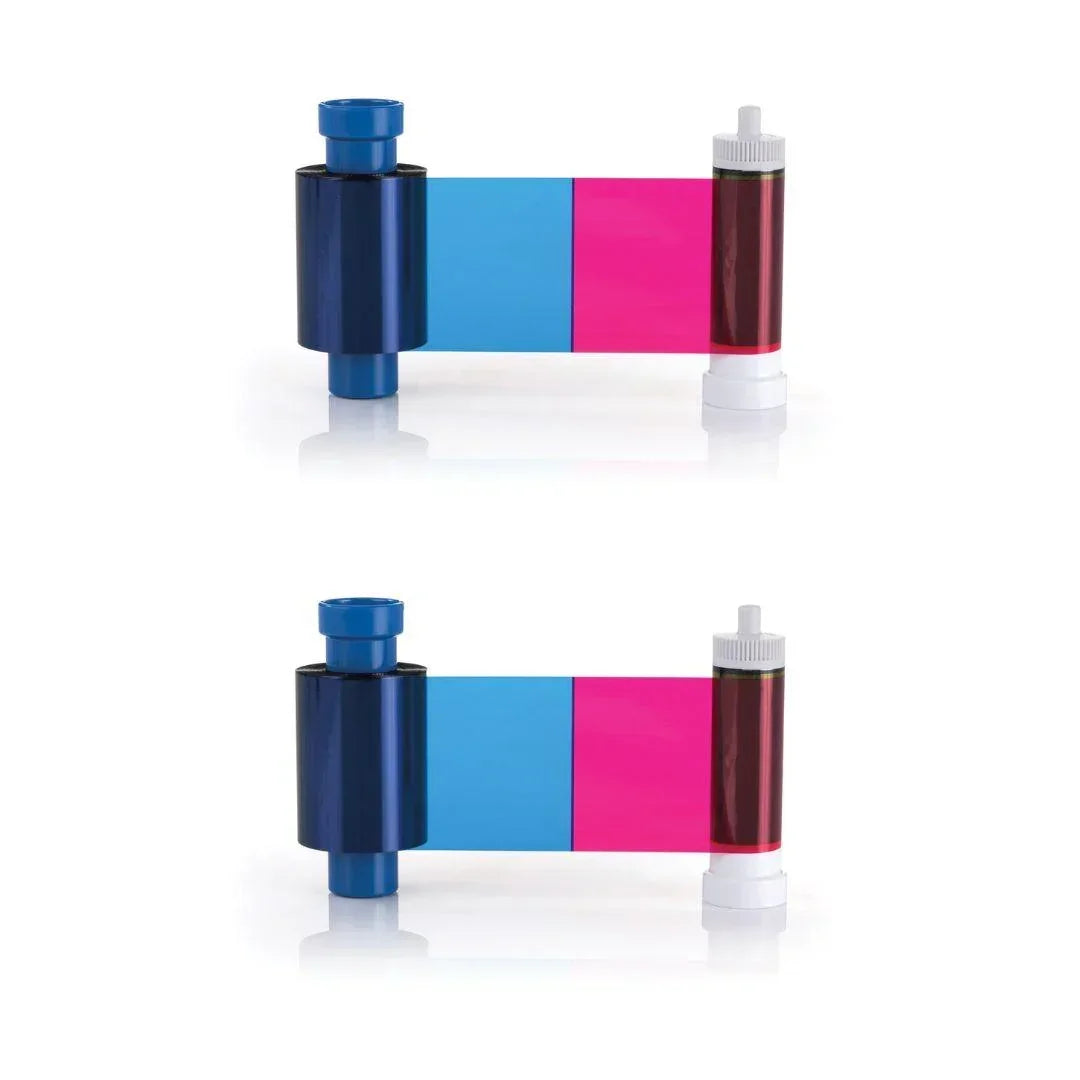
300 single-sided cards per ribbon. If you print on both sides of a card, each card uses two prints, so one ribbon makes 150 two-sided cards.
For 500 cards you need 2 ribbons, and for 1,000 cards you need 4, printing on one side. Use the calculator above for your exact number.
Y, M and C (yellow, magenta and cyan) print the full-color picture. K prints sharp black text and barcodes. O lays a clear overlay over the card to protect it. Together they print full color on one side of the card.
It fits the Magicard 400X. Not sure which printer you have? Email sales@bodno.com and we’ll confirm it before you order.
Yes. Magicard printers print HoloKote, a clear watermark you see when you tilt the card, through the overlay (O) panel of this ribbon. There is no extra film or laminate to buy. The Magicard D can also print a custom HoloKote with your own logo. More: What is HoloKote?
Yes. Run a cleaning card and fit a fresh cleaning roller at every ribbon change. Static on PVC cards pulls in dust, and dust dragged under the printhead is what wears it out. More: Why regular cleaning matters.
Print the printer’s own test card. If the line is there too, a printhead element is damaged, and it cannot be cleaned away or repaired, only replaced. Cleaning at every ribbon change, and punching slots after printing instead of before, keeps it from happening. See White line on Magicard printers.
In Bodno, open the BOD tab → Printer Drivers, find your Magicard printer, change Print Class to WIN32API, save, and restart Bodno. More: Fix the MAGAPI error.
Unopened ribbons can last 18–24 months when stored properly. Keep them sealed in original packaging, in a cool, dry place away from sunlight or humidity to preserve print quality.